1
User Guide
4.5
QPCR
Parser Log
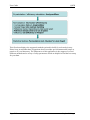
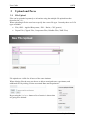
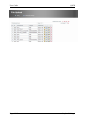
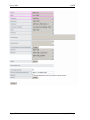
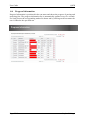
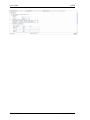
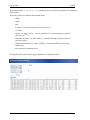
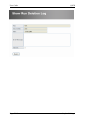
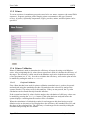
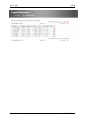
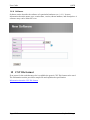
Displayed below is the parser log page.
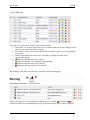
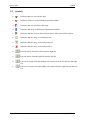
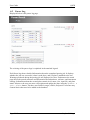
The coloring of the parser logs is explained in the attached legend.
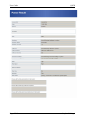
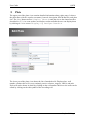
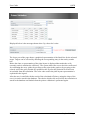
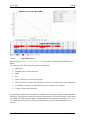
Each Parser log shows detailed information about the completed parsing job. It displays
whether the job was successful, when it took place, and if a plate is attached to the run.
Warnings produced during the parsing job are displayed in a box. Furthermore the result
page shows the parsed run name and information about hardware, software, and instrument
settings. Information about the created plate contain its id, name, size, input file, and plate
status. Moreover the user can enter a description and update the plate using the Update &
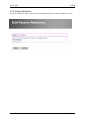
goto plate button. The three text fields for target, cDNA, and passive reference may
contain entries that need to be added to the database.
Page 21/63
Stephan Pabinger