1
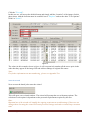
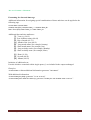
Click the "Text tab".
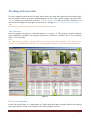
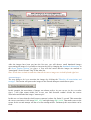
In this case we will accept the default format and simply add the “location” of the images for this
photo shoot. Add the location name in textfield1 set to "Replace" and set the other "Text Options”
fields" to "delete".
Figure 8
The values in this example shown in figure 8 will consecutively number all the stereo pairs in the
order that they appear in the image lists and add text linkage to original file names.
Note:
For further information on auto numbering , please see Appendix Two
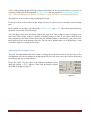
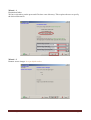
Start the wizard
Now execute the batch job to start the wizard
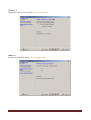
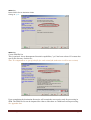
This will open a new wizard window. The wizard will prompt the user with many options. The
selection of each option is dependent on the personal requirements required by the user.
Hint:
Repeated use of the wizard will simplify the ongoing requirements to add settings. If there are no
changes then executing the wizard will retain previous settings and reduce wizard setup execution
time!
Sorestim – Quick Start User Guide
Page 14