1
FILTERING AND SPATIAL EFFECTS
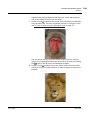
Applying Convolves
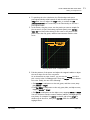
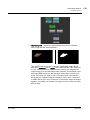
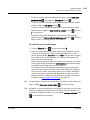
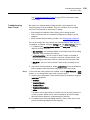
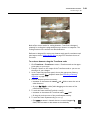
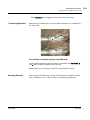
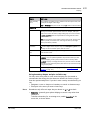
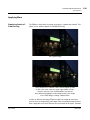
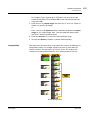
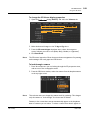
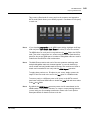
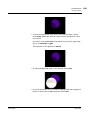
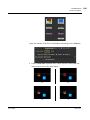
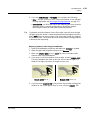
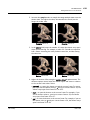
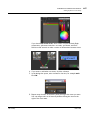
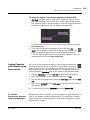
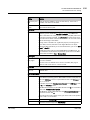
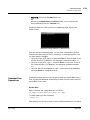
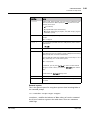
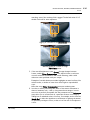
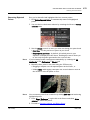
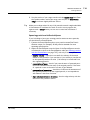
An error appears in the Viewer because we haven’t connected the filter
input yet.
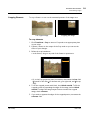
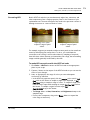
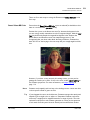
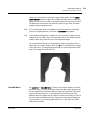
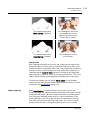
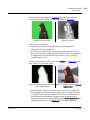
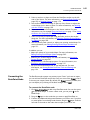
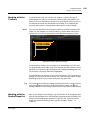
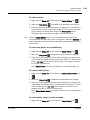
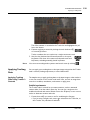
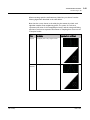
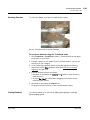
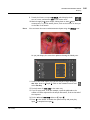
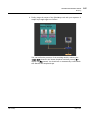
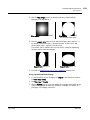
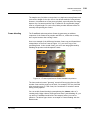
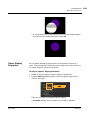
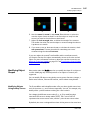
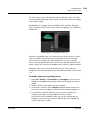
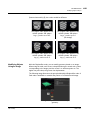
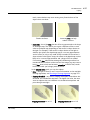
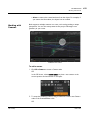
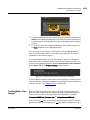
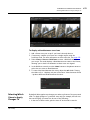
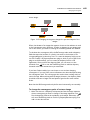
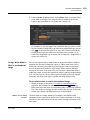
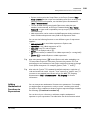
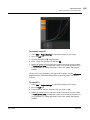
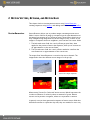
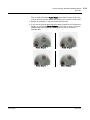
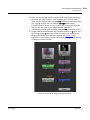
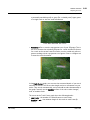
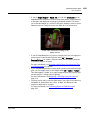
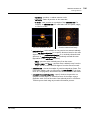
3. Connect a filter image to the filter input. This image represents the
shape and size of the camera aperture used to shoot the image input. It
can be any shape you like, for example, a pentagon or a hexagon.
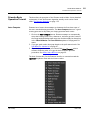
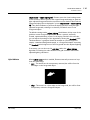
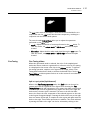
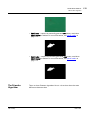
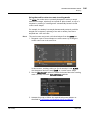
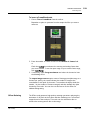
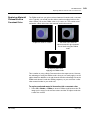
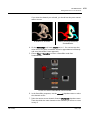
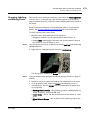
If you don’t have a filter image, you can create one using the Roto node
(Draw > Roto) or the Flare node (Draw > Flare).
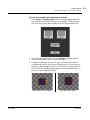
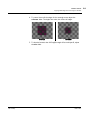
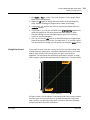
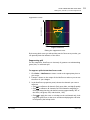
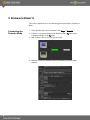
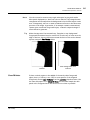
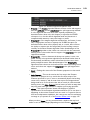
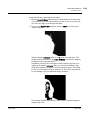
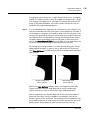
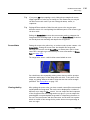
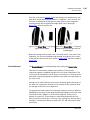
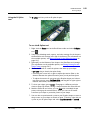
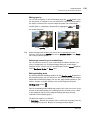
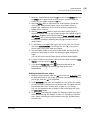
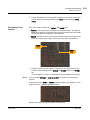
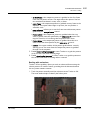
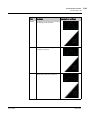
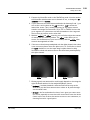
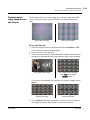
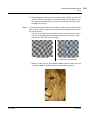
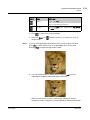
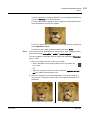
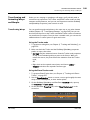
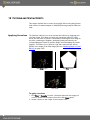
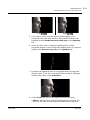
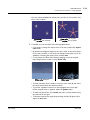
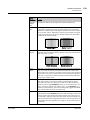
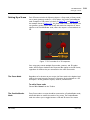
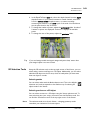
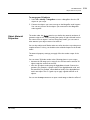
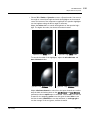
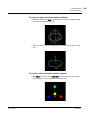
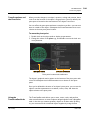
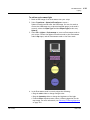
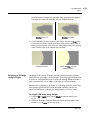
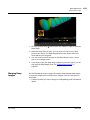
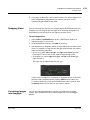
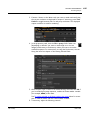
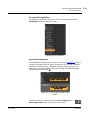
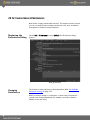
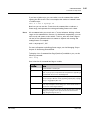
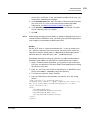
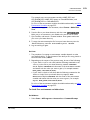
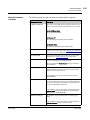
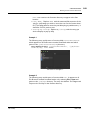
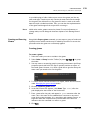
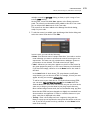
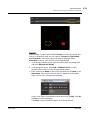
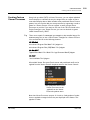
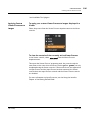
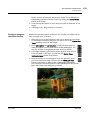
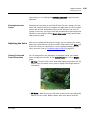
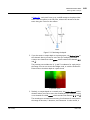
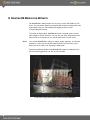
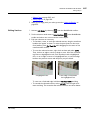
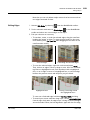
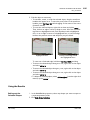
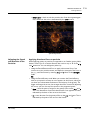
A simple Convolve setup.
4.
5.
6.
7.
The Foundry
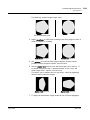
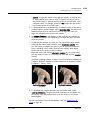
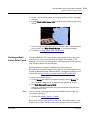
Note that you don’t necessarily need to crop the filter image to a
smaller size, as fast Fourier transforms are used to speed up convolutions with large filter images.
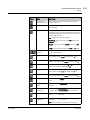
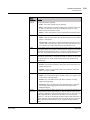
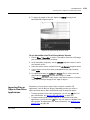
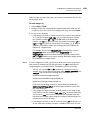
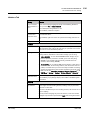
In the Convolve node controls, set channels to the channels of the
Source image that you want to affect. By default, the convolve effect is
applied to all channels.
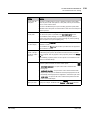
To choose what channel to use from the filter input, do one of the
following:
• Set the filter channel dropdown menu to the channel you want to use.
By default, this menu is set to rgba.alpha.
• To use the same channels from the filter input as the image input (that
is, whatever channels is set to), check use input channels.
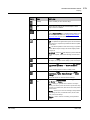
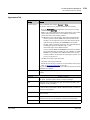
In most cases, you can leave normalize checked. This means the filter
input is divided by the sum of all the pixels in it before using it, and
ensures that the convolution doesn’t change the overall brightness of
the image.
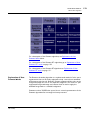
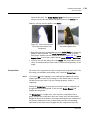
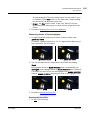
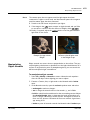
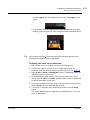
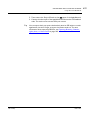
Use the filter bounds dropdown menu in the Convolve controls to
choose whether you want to limit the filter image to:
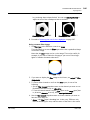
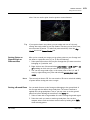
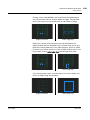
• shape - the filter input’s bounding box. In this case, Convolve only
uses the bounding box area, and the center of the filter is the center
of the bounding box. This is the default value. You may want to use it,
Nuke 7.0v1
293