1
8.
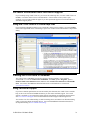
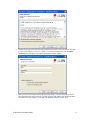
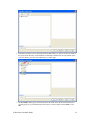
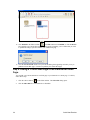
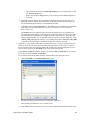
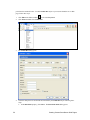
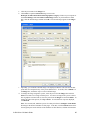
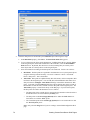
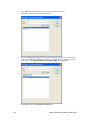
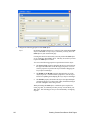
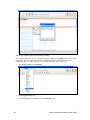
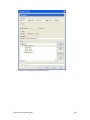
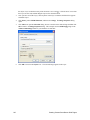
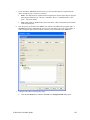
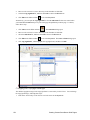
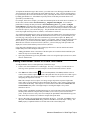
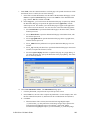
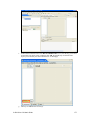
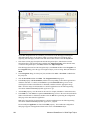
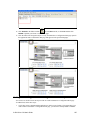
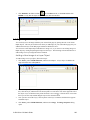
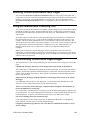
By default, the i.LON Vision 2.0 software will be installed in the
C:\LonWorks\iLON\iLonVision directory, or it will be installed in the C:\Program
Files\LonWorks\iLON\iLonVision directory if you have not previously installed any Echelon or
LONMARK products. You can click Change to select a different destination folder. Click Next.
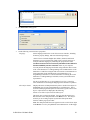
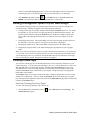
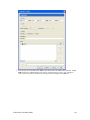
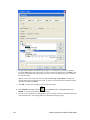
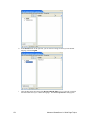
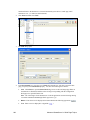
The Ready to Install window opens.
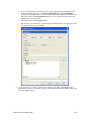
9.
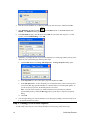
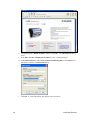
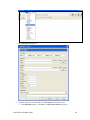
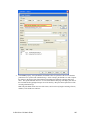
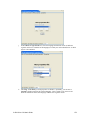
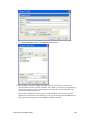
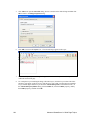
Click Install to begin the i.LON Vision 2.0 software installation.
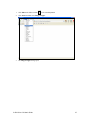
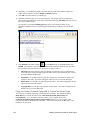
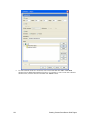
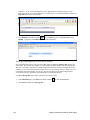
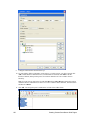
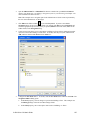
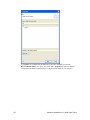
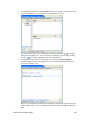
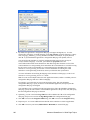
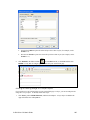
10. After the i.LON Vision 2.0 software has been installed, a window appears stating that the
installation has been completed successfully.
6
Creating Custom SmartServer Web Pages