1
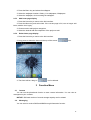
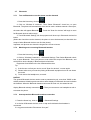
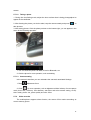
1. Play Mode: Click on “
” switch to phone mode. Click ”
2. End play: Play state click”
” to end the play. Click”
” Headset mode.
” to play.
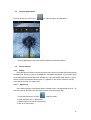
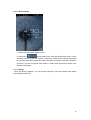
3. Favorite list: Display collections of channel.
4. Channel: The current broadcast channels.
5. Favorites: Click on the collection the channel, click again, delete the channel collection.
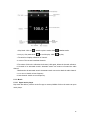
6. Forward to be automatic search: Automatic search can receive to forward the radio
channel.
7. Backward to be automatic search: Automatic search can receive back the radio channel.
8. Last channel: Switch to last frequency.
9. Next channel: Switch to next frequency.
5.13 Music
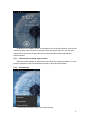
5.13.1 Open music player
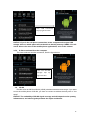
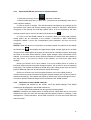
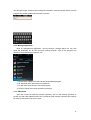
Play music files before, need to music file copy to memory CARDS. Click on the music can open
music player.
40