1
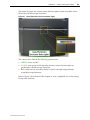
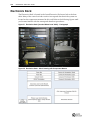
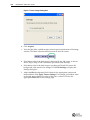
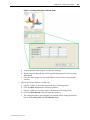
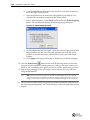
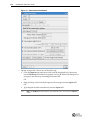
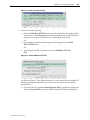
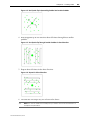
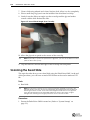
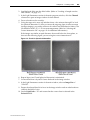
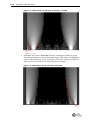
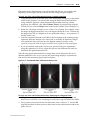
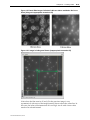
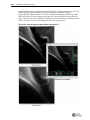
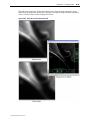
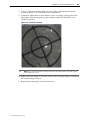
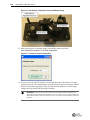
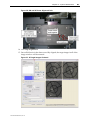
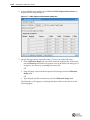
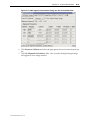
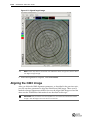
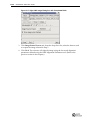
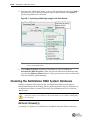
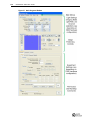
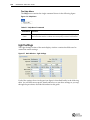
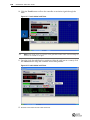
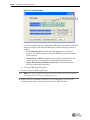
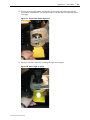
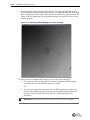
C.12 DeltaVision OMX User Guide 9. Acquire another image using the DIC channel. This image should appear to be three‐dimensional. Objects should appear to have a light and dark side, as though they are being lit from the side. There will also be an intensity gradient across the image, with the darkest part of the gradient starting in a corner, as shown in the following figure. Figure C.15 Intensity Gradient Starting in a Corner of Image 10. Once you have completed DIC imaging, choose one of the following: • If you plan to continue using the west camera for dedicated DIC imaging, leave the polarizer and Wollaston prism in position. OR • If you want to return the west camera to non‐DIC imaging use, remove the polarizer and Wollaston prism from the system. Replace any filter that you may have removed from the dichroic drawer at the beginning of this procedure. IMPORTANT SI imaging cannot be performed in conjunction with DIC imaging.