1
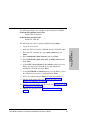
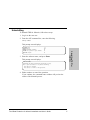
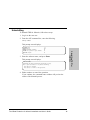
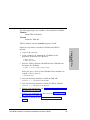
a. To keep your current password, press Enter without a value
when you see the Enter your new password prompt. This
message displays:
Your password has been accepted.
b. To enter a new password, enter the new password when you
see the Enter your new password prompt. This message
displays:
Your password has been accepted.
2. Installing TDP for
Informix
Tivoli Data Protection for Informix Installation and User’s Guide
27