1
Adapting an Assembly
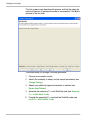
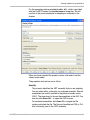
The first screen simply describes the process and lists the steps the
wizard will perform to generate the code for an assembly. Click Next to
advance to the first step.
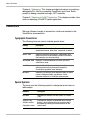
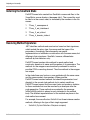
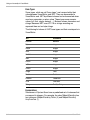
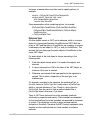
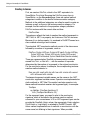
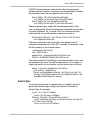
The wizard leads you through a five step procedure:
2-2
1
Choose your compiler version.
2
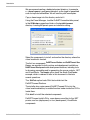
Identify the assembly to adapt, and set several parameters (see
Change Settings)
3
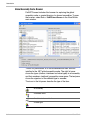
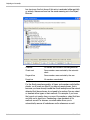
Specify any additional types and members to exclude (see
Review Kept/Deleted)
4
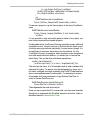
Generate the necessary C++ and Smalltalk code (see Generate
C++ and Smalltalk Code)
5
Compile the generated C++ and load the Smalltalk code (see
Install C++ and Smalltalk Code)
VisualWorks