1
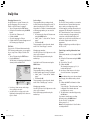
Index
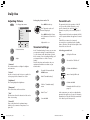
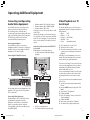
Available accessories
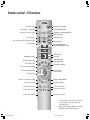
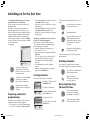
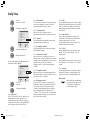
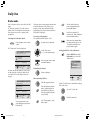
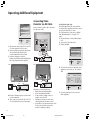
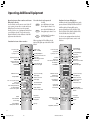
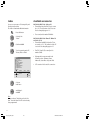
You can access menus or Teletext quickly and
directly from the index.
The index is found under Main Information.
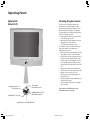
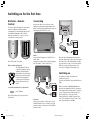
Wall holder WM 33 for Spheros 20
• This wall bracket allows the TV set to rotate
by +/-20°. The inclination of the TV set can
also be changed by approx. 10°.
IN
FO
Press this button.
• Floor stand, article number 62498A00.
OK
Select the line
“Index”.
OK
Confirm with OK.
OK
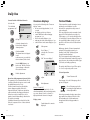
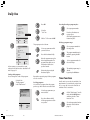
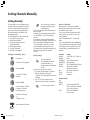
To select operating mode: TV,
Teletext, Video or Radio.
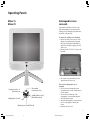
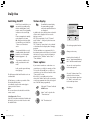
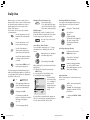
Wall holder WM 34 for Mimo 15/ Mimo 20
and Xelos SL 20
• This wall bracket WM 34 allows the TV set
to rotate by +/-20°. The inclination of the TV
set can also be changed by approx. 10°.
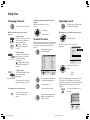
• Exchangeable screen surrounds in the
following colours: Platinum, Cream,
Anthracite, Ocean Blue or Cayenne Red.
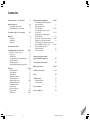
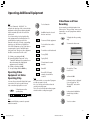
Index
Equipment
AV connections
Picture
On-screen display
First installation
Child lock
Standard settings
Programmes
Programme info
Other ...
TV
Teletext
OK
OK
OK
• Flat-TV F-Stand 2 (Floor stand), article
number 63495.
• SAT conversion kit for satellite conversion.
Video
Select and display
with OK
Radio
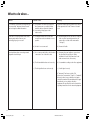
M Back
E End
Select an
index item ...
and display it
with OK.
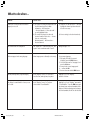
Note
You can activate “Switching on for the first
time” from the index if the TV set has already
been programmed.
30
LCD_023_RC4_GB
30
10.08.2004, 14:08 Uhr