1
Disaster recovery
How to recover a catalog from a backup
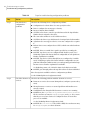
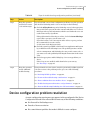
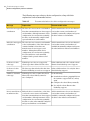
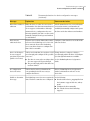
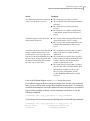
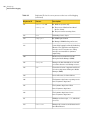
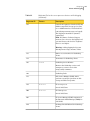
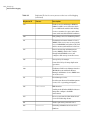
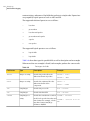
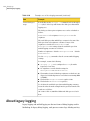
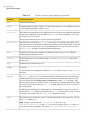
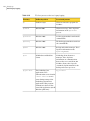
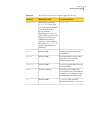
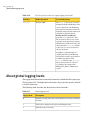
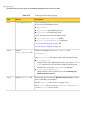
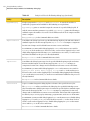
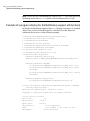
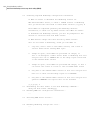
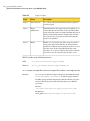
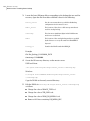
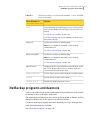
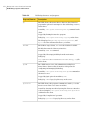
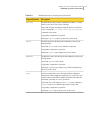
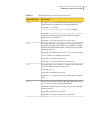
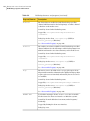
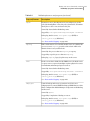
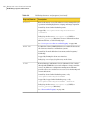
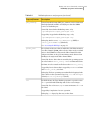
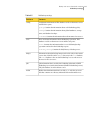
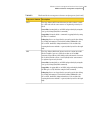
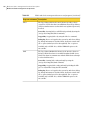
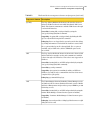
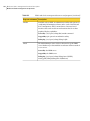
Table 5-1 is a list of the files that you recover in a manual recovery (an asterisk
indicates multiple files within that folder).
Table 5-1
Files you recover when you recover catalog image files
UNIX and Linux
Windows
/usr/openv/netbackup/bp.conf
install_path\NetBackup\db\*
/usr/openv/netbackup/db/*
install_path\NetBackup\vault\sessions\*
/usr/openv/netbackup/vault/
sessions*
install_path\NetBackup\var\*
/usr/openv/var/*
install_path\Volmgr\database\*
/usr/openv/volmgr/database/*
install_path\Volmgr\vm.conf
/usr/openv/volmgr/vm.conf
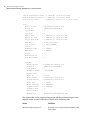
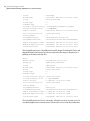
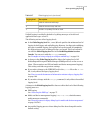
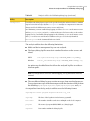
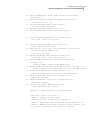
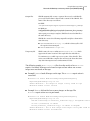
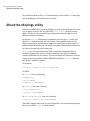
The following is a list of NetBackup relational database (SQL Anywhere) files that
are not recovered in a manual recovery.
NBDB.db
NBDB.log
EMM_DATA.db
EMM_INDEX.db
BMRDB.db
BMRDB.log
BMR_DATA.db
BMR_INDEX.db
vxdbms.conf
DARS_DATA.db
DARS_INDEX.db
DBM_DATA.db
DBM_INDEX.db
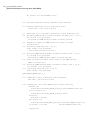
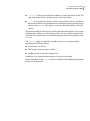
The following is where they reside:
■
install_path\NetBackupDB\conf\server.conf (Windows only)
■
install_path\NETBACKUP\DB\conf\databases.conf (Windows only)
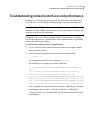
You can recover these files.
See “Recovering relational database files from an online catalog backup ”
on page 219.
211