1
Media and device management functional description
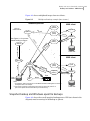
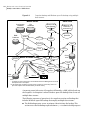
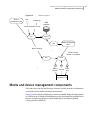
Media and device management components
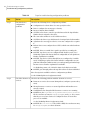
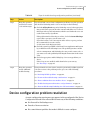
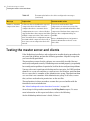
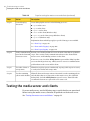
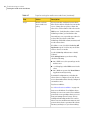
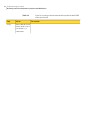
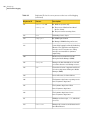
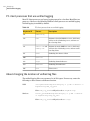
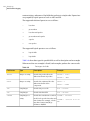
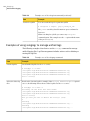
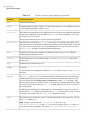
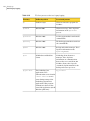
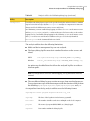
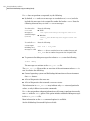
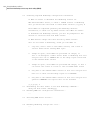
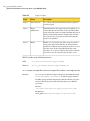
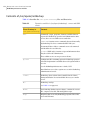
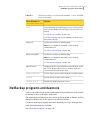
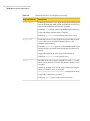
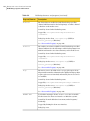
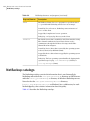
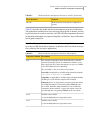
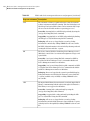
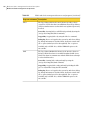
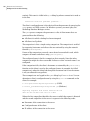
Table B-1
Media and device management directories and files (continued)
File or directory
Contents
vm.conf
Media and device management configuration
options.
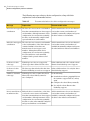
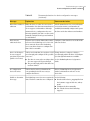
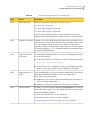
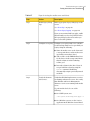
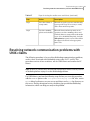
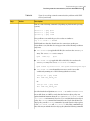
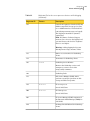
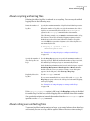
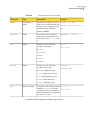
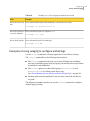
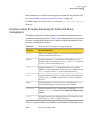
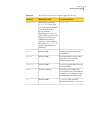
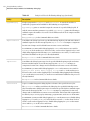
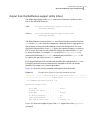
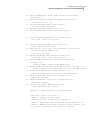
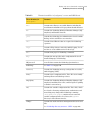
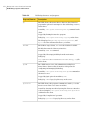
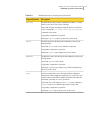
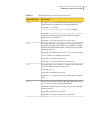
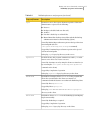
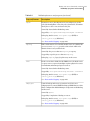
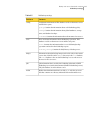
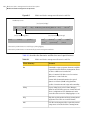
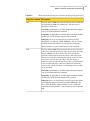
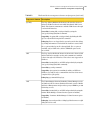
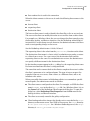
Table B-2 describes the media and device management programs and daemons.
The explanations include what starts and stops the program or daemon, and the
log (if any) where it records its activities. On UNIX, all of the components discussed
in this table reside under /usr/openv/volmgr/bin. On Windows, they reside under
install_path\volmgr\bin.
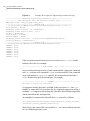
Note: The following table contains references to the system log. This log is managed
by syslog on UNIX (the facility is daemon). On Windows the Event Viewer manages
the system log (the log type is Application).
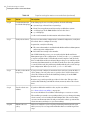
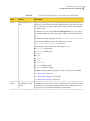
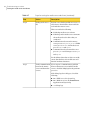
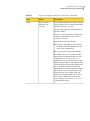
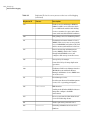
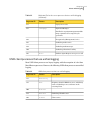
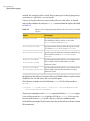
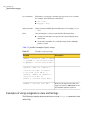
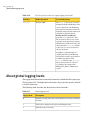
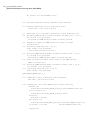
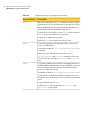
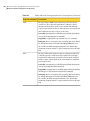
Table B-2
Media and device management daemons and programs
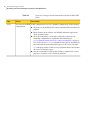
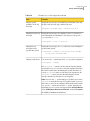
Program or daemon Description
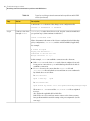
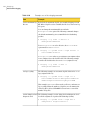
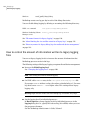
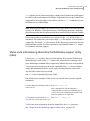
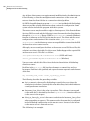
acsd
The Automated Cartridge System daemon interfaces with the
Automated Cartridge System. It communicates with the server
that controls the ACS robotics through the acsssi process (UNIX)
or the STK Libattach Service (Windows).
Also, for UNIX, see the acsssi and acssel programs.
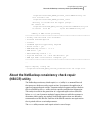
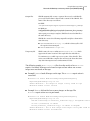
Started By: Starting ltid (or on UNIX, independently by using the
/usr/openv/volmgr/bin/ascd command.
Stopped By: Stopping ltid (or on UNIX, independently by finding
the PID (process id) and then using the kill command).
Debug Log: Errors are logged in the system log and robots debug
log. Debug information is included by adding VERBOSE to the
vm.conf file. On UNIX, debug information is also included by
starting the daemon with the -v option: this option can also be
used through ltid, or by putting VERBOSE in the vm.conf file.
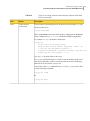
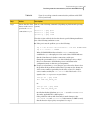
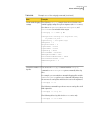
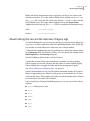
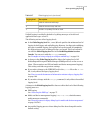
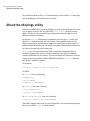
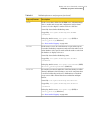
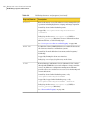
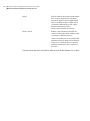
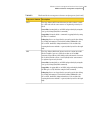
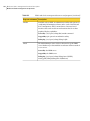
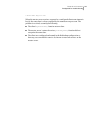
acssel
Available only on UNIX.
See the NetBackup Device Configuration Guide.
acsssi
Available only on UNIX.
See the NetBackup Device Configuration Guide.
297