1
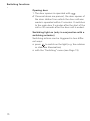
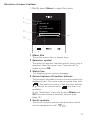
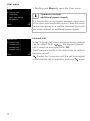
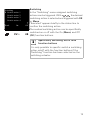
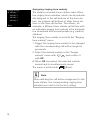
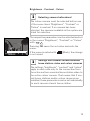
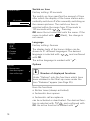
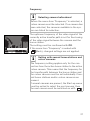
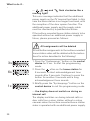
Frequency i Selecting camera beforehand Before the menu item "Frequency" is selected, a colour camera must be selected. If no camera has been selected, the cameras available in the system are listed for selection. The optimum frequency of the video signal of the currently active transfer path is set for fine-tuning of the video signal between the camera and the home station. The setting must be confirmed with OK. Frequency 14 Back If the menu item "Frequency" is ended with OK (Back), changed settings are not applied. i Setting with several home stations and colour cameras The frequency setting applies only for the connection from the active home station to the active colour camera. This means that the frequency for the transfer path between the home station and the colour camera must be set individually if several home stations and/or colour cameras are present. If several cameras are present, the Start-up menu must be exited to select the next camera, then the next camera must be switched on with . 21