1
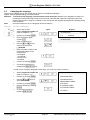
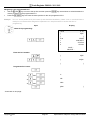
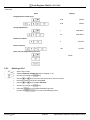
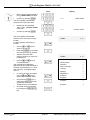
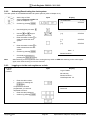
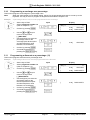
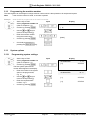
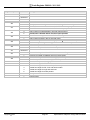
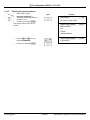
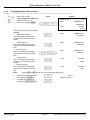
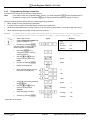
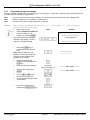
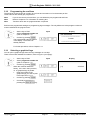
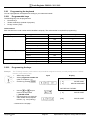
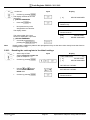
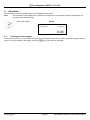
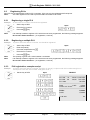
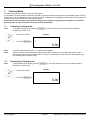
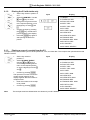
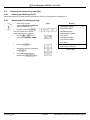
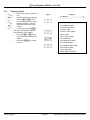
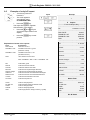
Cash Register CM 910 / 911 / 912 9.4 Printing reports ● ● ● Set the key switch to position X or Z. Select the report to be printed: Use the and keys to scroll through the menu to the required position or use the digit keys to enter the report number. Confirm by pressing CASH. The report first appears, together with the totals, in the display. ● ● Press the and keys to view all the report totals in the display. Press the CASH key to start printout. Input Display # # $$# # # 3# # # # 3# # = X Report - 1= = Z Report - 1= 01.FINANCIAL REP. 02.FINA. REP. MON. 03.DEPT. REP. 04.DEPT. REP. MON. 05.PLU REP. 06.PLU REP. MON. 08.CLERK REP. 09.CLERK REP. MON. 86.TRAINING REP. 87.TRAINING REP. MON. 96.EJ.DETAIL REP. 97.EJ.SUM REP. 98.RE-PRINT RECEIPT Olympia 2011 Page 62 Specifications subject to change without notice!