1
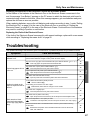
Troubleshooting
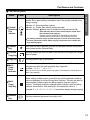
■ Meanings of various displays
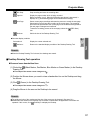
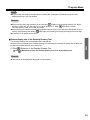
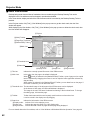
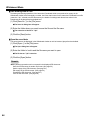
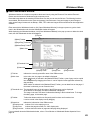
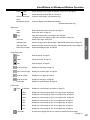
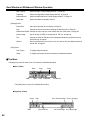
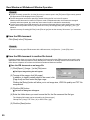
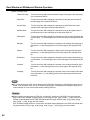
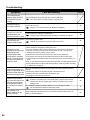
The following table describes the meaning of each of the symbols which may flash in the Multi-Copy/Error indicator.
Indication
Cause
Remedy
See
Page
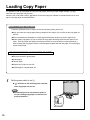
Out of paper.
Load copy paper.
16
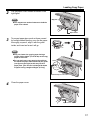
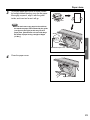
The printer door is not closed securely.
Close the printer door securely.
15
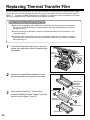
The thermal transfer film is slack or has run
out.
Remove the slack from the thermal transfer film
or replace.
15
20
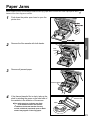
Paper jam.
Open the printer door and remove the jammed
paper.
21
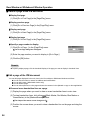
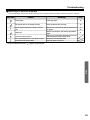
The screen will not move.
The room temperature is 10°C (50°F) or lower.
The fluorescent lamp is dead.
BIf other indications such as "
Remove any chart paper attached to the screen
and slowly move the screen by hand.
Increase the room temperature.
Call your dealer for service.
" appear, call your dealer.
Help
69