1
MSAP2000 AAMS User’s Guide
29.4 Statistics ADSL Commands
Use these commands to display ADSL port statistics.
29.4.1
Statistics ADSL Show Command
Syntax:
statistics adsl show [portlist]
where
[portlist]
=
You can specify a single ADSL port <1>, all ADSL ports
<*> or a list of ADSL ports <1,3,5>. You can also
include a range of ports <1,5,6~10>.
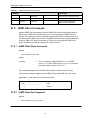
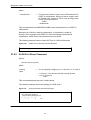
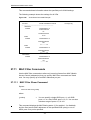
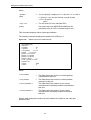
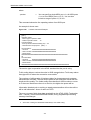
This command displays ADSL port connection statistics including the status (V for
enabled, - for disabled), ADSL operational mode, upstream and downstream
maximum rates, up time and the number of errored seconds.
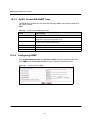
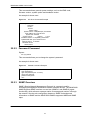
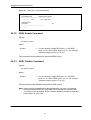
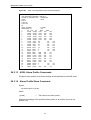
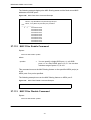
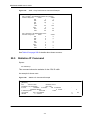
The following example displays connection statistics for ADSL port 3.
Figure 142
ras> statistics adsl show 3
port status mode
up/downstream
---- ------ -------- ------------- -------------- -----------3 -/
-
29.4.2
up time error second
-
-
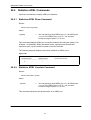
Statistics ADSL Linedata Command
Syntax:
statistics adsl linedata <portlist>
where
<portlist>
=
You can specify a single ADSL port <1>, all ADSL ports
<*> or a list of ADSL ports <1,3,5>. You can also
include a range of ports <1,5,6~10>.
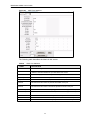
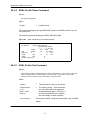
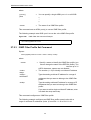
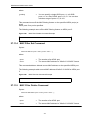
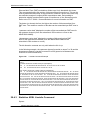
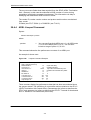
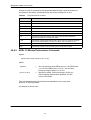
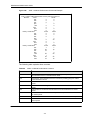
This command shows the line bit allocation of an ADSL port.
227