1
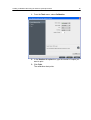
Correcting an image using Photo Touch-up
71
●
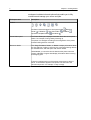
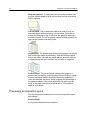
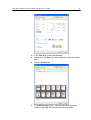
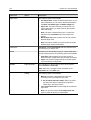
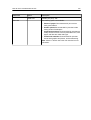
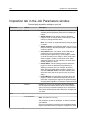
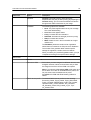
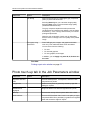
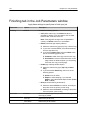
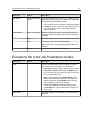
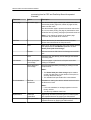
Correct underexposure, overexposure, and minor color-cast
problems in photos.
Image noise:
●
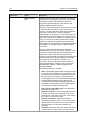
Reduce noise (such as granularity caused by high ISO
settings) in a photo.
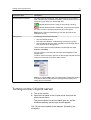
Shadows and highlights:
●
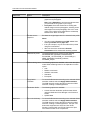
Bring out details in the dark and light areas of a photo.
Red-eye:
●
Remove the red-eye effect in photos taken with a flash.
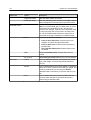
JPEG artifacts
Remove JPEG artifacts often found in low-quality or highly
compressed JPEG files, particularly in gradient and vignette
areas and around the edges of objects.
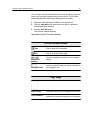
5. Select Submit.
The job is sent to the Process Queue.