1
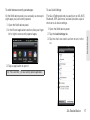
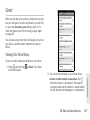
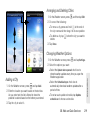
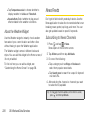
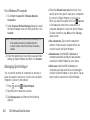
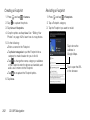
Making a 3-Way Call Call Forwarding With 3-Way Calling, you can talk to two people at the same time. When using this feature, the normal airtime rates will be charged for each of the two calls. Call Forwarding lets you forward all your incoming calls to another phone number – even when your device is turned off. You can continue to make calls from your device when you have activated Call Forwarding. 1. On the Phone screen, enter a number and tap Note: You are charged a higher rate for calls you have . forwarded. 2. Once you have established the connection, press , tap Add call, and dial the number of the second participant. (This puts the first caller on hold and dials the second number.) 3. When you’re connected to the second party, press and tap Merge calls. 1. Press and tap 2. Tap . . 3. Enter the area code and phone number to which If one of the people you called hangs up during your call, you and the remaining caller stay connected. If you initiated the call and are the first to hang up, all callers are disconnected. To end the three-way call, tap To activate Call Forwarding: . you want your calls forwarded. 4. Tap . (You will see a message and hear a tone to confirm the activation of Call Forwarding.) To deactivate Call Forwarding: 1. Press 2. Tap 3. Tap and tap .. . . (You will see a message and hear a tone to confirm the deactivation.) 174 3A. Sprint Service: The Basics