1
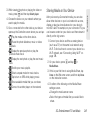
Editing an Entry in People
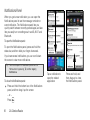
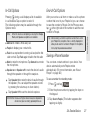
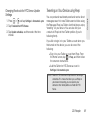
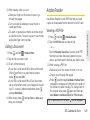
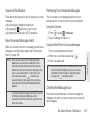
Editing the Phone Number of an Entry
䊳
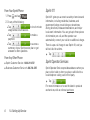
Press
and then tap
an entry.
Contacts
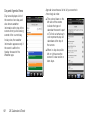
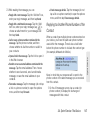
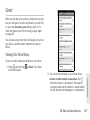
1. Display an entry in People. (See “Displaying an
Displaying an Entry
Entry” for details.)
> People, and then tap
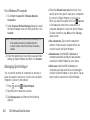
Note: You cannot edit the contact information of a Facebook
friend.
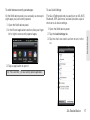
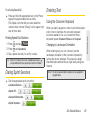
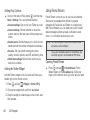
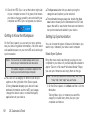
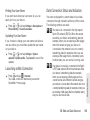
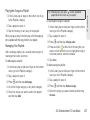
Adding a Number to an Entry
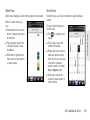
1. Display an entry in People. (See “Displaying an
Entry” for details.)
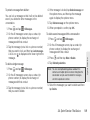
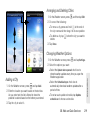
2. Scroll down the screen and tap Edit.
3. On the Phone section tap Add.
4. Tap the type of phone number you want to add.
(For example, Home or Work.)
5. Enter the phone number and tap Save.
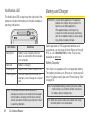
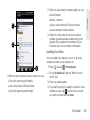
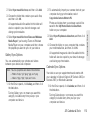
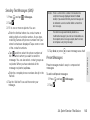
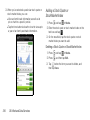
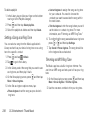
2. Scroll down the screen and tap Edit.
3. On the Phone section, tap the number you want to
edit.
4. Edit the number using the keypad.
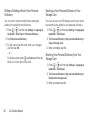
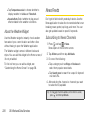
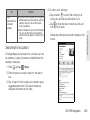
Tips: Tap the Number type (for example,
) to change it.
Tap X at the right side of a number to delete it.
5. Tap Save.
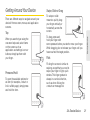
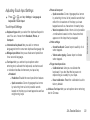
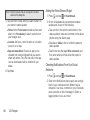
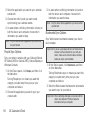
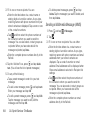
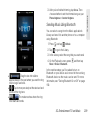
Selecting a Ringer Type for an Entry
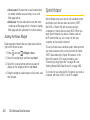
Assign a ringer type to an entry in People so you can
identify the caller by the ringer type. See “Sound
Settings” on page 41.
1. Display an entry in People. (See “Displaying an
Entry” on page 71 for details.)
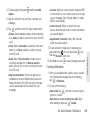
2. Scroll down the screen, and then tap Ringtone.
2D. People
71