1
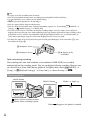
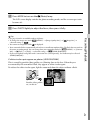
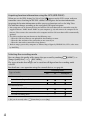
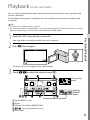
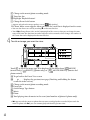
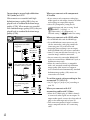
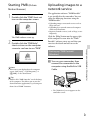
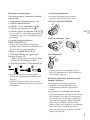
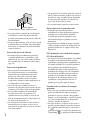
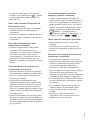
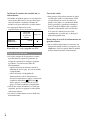
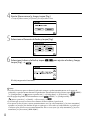
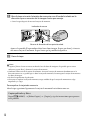
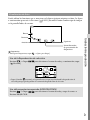
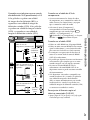
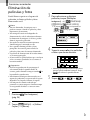
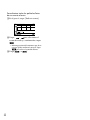
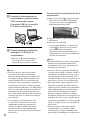
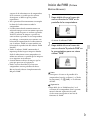
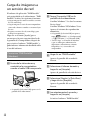
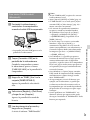
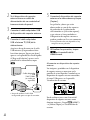
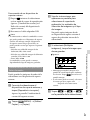
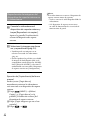
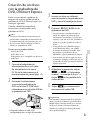
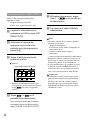
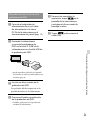
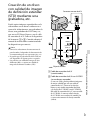
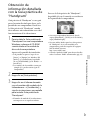
Carga de imágenes a un servicio de red El software de aplicación “PMB Portable” está preinstalado en la videocámara. “PMB Portable” le ofrece las siguientes funciones. Cargar imágenes de manera sencilla a servicios de red, como blogs Cargar imágenes a través de una computadora conectada a Internet cuando se encuentra lejos de casa Registrar servicios de red (como blogs) para usarlos frecuentemente Haga clic en el botón [Ayuda] que se encuentra en la parte superior derecha de la pantalla de la computadora, después de que se inicia el software “PMB Portable”, y podrá obtener información detallada sobre el uso del software. Para iniciar “PMB Portable” (Windows) Encienda la videocámara y conéctela a la computadora usando el cable USB incorporado. Toque [Conexión USB] en la pantalla de la videocámara. Si utiliza Windows 7: Se abre la ventana Device Stage*. Si utiliza Windows XP/Windows Vista: Aparece el asistente de reproducción automática. Si la pantalla [Selección USB] no aparece, (MENU) [Configuración] toque [ (Conexión)] [Conexión USB]. * “Device Stage” es un menú de Windows 7 que se utiliza para administrar los dispositivos (videocámaras, cámaras fotográficas, etc.) conectados a la computadora. Haga clic en “PMB Portable”. Aparece la pantalla del acuerdo de licencia. Seleccione el idioma deseado y haga clic en [Aceptar]. Aparece la pantalla de selección de área. Seleccione [Región] y [País/Área] y haga clic en [Aceptar]. Aparece la pantalla del acuerdo de licencia. La pantalla [Selección USB] aparece en la pantalla de la videocámara. Lea atentamente el acuerdo y haga clic en [Acepto]. Se inicia el software “PMB Portable”. ES 38