1
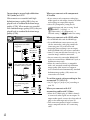
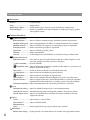
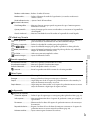
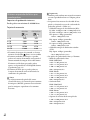
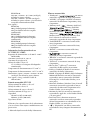
The battery pack temperature is high. Change the battery pack or place it in a cool place. Slow flashing The temperature of your camcorder is getting higher. Turn off your camcorder and leave it in a cool place. Fast flashing The temperature of your camcorder is extremely high. Turn off your camcorder and leave it in a cool place. The temperature of your camcorder is low. Make the camcorder warm. There is something wrong with the flash. The amount of light is not sufficient. Use the flash (HDR-PJ50/PJ50V). The camcorder is unsteady. Hold the camcorder steady with both hands. However, note that the camera-shake warning indicator does not disappear. The drop sensor function is activated. You may not be able to record nor play back images. The recording media is full. Delete unnecessary images (p. 36). Photos cannot be recorded during processing. Wait for a while, then record. REC Mode] is set to [Highest When [ ] or [60p Quality ], you cannot Quality capture photos while recording movies. Frame Rate] is set to [24p] Furthermore, if [ (HDR-PJ50/PJ50V), you cannot record photos while the camcorder is in movie recording standby mode. No memory card is inserted (p. 22). When the indicator flashes, there is not enough free space for recording images. Delete unnecessary images (p. 36), or format the memory card after storing the images on other media. The Image Database File is damaged. Check the data base file by touching (MENU) [Setup] [ (Media Settings)] [Repair Img. DB F.] the recording medium. The memory card is damaged. Format the memory card with your camcorder (p. 57). Incompatible memory card is inserted (p. 22). The memory card is write-protected. Access to the memory card was restricted on another device. US 62