1
Table of Contents
Copyright Notice
2
1 | INTRODUCTION
5
Overview
About the Software
System Requirements
Package Contents
Product Registration
2 | SETUP FOR POCKET PC 2003
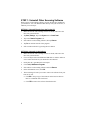
STEP 1: Uninstall Other Scanning Software
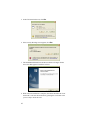
STEP 2: Install the Software
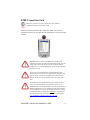
STEP 3: Insert the Card
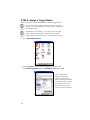
STEP 4: Assign a Trigger Button
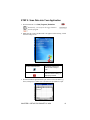
STEP 5: Scan Data into Your Application
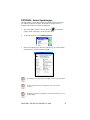
OPTIONAL: Select Symbologies
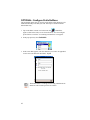
OPTIONAL: Configure Prefix/Suffixes
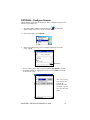
OPTIONAL: Configure Sounds
OPTIONAL: Use SocketScan Trigger
3 | SETUP FOR PALM
STEP 1: Uninstall Other Scanning Software
STEP 2: Install the Software
STEP 3: Insert the Card
STEP 4: Configure SocketScan
STEP 5: Scan Data into Your Application
OPTIONAL: Select Symbologies
OPTIONAL: Perform a Scan Test
OPTIONAL: View Help Files
OPTIONAL: View Version Information
5
5
5
6
6
7
8
9
11
12
13
15
16
17
18
20
20
21
23
24
27
28
29
30
30
APPENDICES
A | SPECIFICATIONS
31
B | BAR CODE LABEL SPECIFICATIONS
32
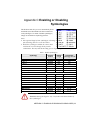
C | ENABLING OR DISABLING SYMBOLOGIES
33
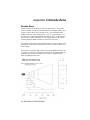
D | DECODE ZONE
36
E | TIPS FOR BETTER SCANNING
38
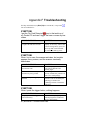
F | TROUBLESHOOTING
40
G | TECHNICAL SUPPORT
41
3