1
2 | Setup for Pocket PC 2003
This chapter explains how to install and use the Socket SD Scan Card 3E
with a Pocket PC running Windows Mobile 2003 or Windows Mobile 2003
Second Edition. The SocketScan software supports both portrait and
landscape mode for Windows Mobile 2003 Second Edition.
Setup Summary
STEP 1: Uninstall other scanning software.
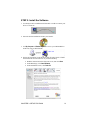
STEP 2: Install the software.
STEP 3: Insert the card.
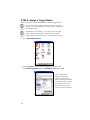
STEP 4: Assign a trigger button.
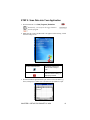
STEP 5: Scan data into your application.
OPTIONAL:
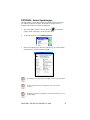
• Select symbologies.
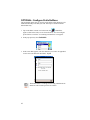
• Configure prefix/suffixes.
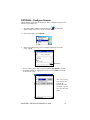
• Configure sounds.
• Use SocketScan Trigger.
CHAPTER 2: SETUP FOR POCKET PC 2003
7