1
left page (64) of S65 FUG us, A31008-H7400-A40-1-4A19 (02.06.2004, 19:50)
MMS
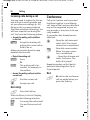
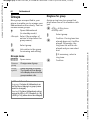
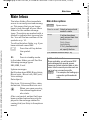
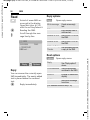
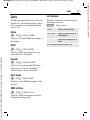
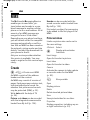
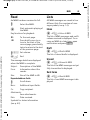
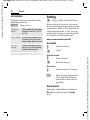
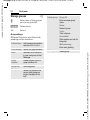
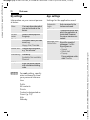
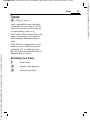
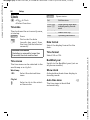
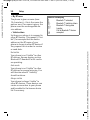
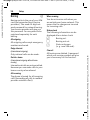
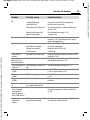
Sending options
§Options§
Open menu.
Send MMS
Send MMS.
Play
Play entire MMS on the display.
Edit
Display object selection so
that object can be changed.
Add
addressee
Add recipient from the current address directory.
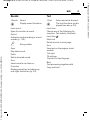
Del.
addressee
Delete individual recipient.
Add
attchmnt.
Add attachment:
• File
• Business card
• Appointment
Page list
Display MMS pages for
viewing and/or changing.
Save as
templ.
Save created MMS as a
template.
(For standard functions see p. 25)
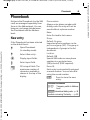
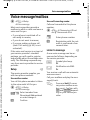
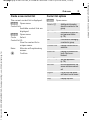
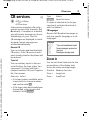
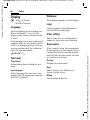
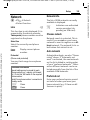
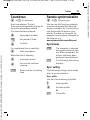
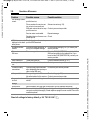
Receive
Depending on the setting (p. 66), an
MMS can be received in two ways:
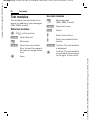
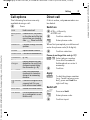
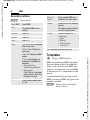
Complete transmission
The complete MMS is sent to your
phone. This can take quite a while if
the MMS is large.
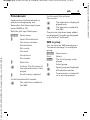
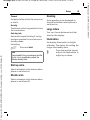
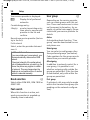
ç
<
Shown in the display.
Start reception. The MMS
is sent.
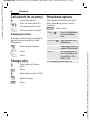
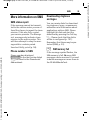
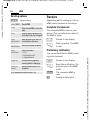
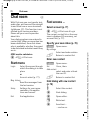
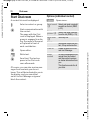
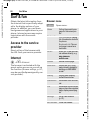
Preliminary notification
You are notified that an MMS is waiting to be received.
w
<
Shown in the display.
Read the notification. Display the size of the MMS
in KB.
§Accept§
The complete MMS is
sent.
§OK§
Display in Main Inbox.
Siemens AG 2003, M:\Mobil\R65\S65_Penelope\am\fug\_von_itl\S65_MMS.fm
VAR Language: am; VAR issue date: 040517
64