1
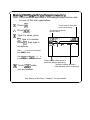
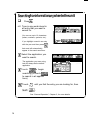
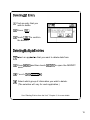
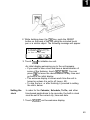
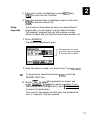
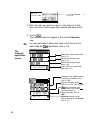
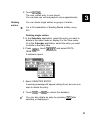
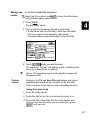
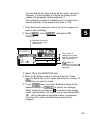
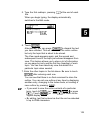
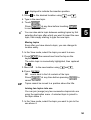
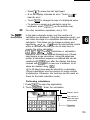
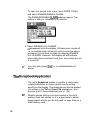
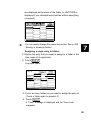
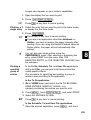
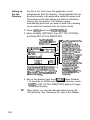
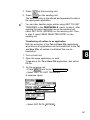
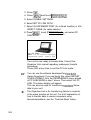
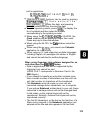
4. Touch IDONE] when you find the entry.
cw
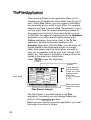
Editing
entries
The Search function does not distinguish between upperand lower-case letters.
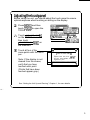
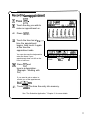
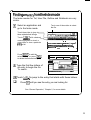
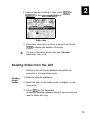
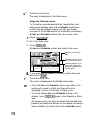
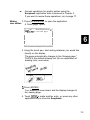
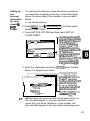
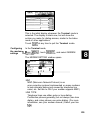
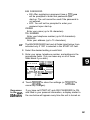
1. Select the entry in the Index mode or display it in the
View mode.
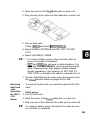
2. Press (EDIT).
The entry opens in the Edit mode.
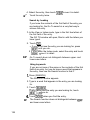
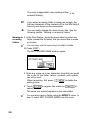
3. Make any desired changes.
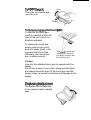
If you are working with a long piece of text that goes off
the display, use m or m to scroll up or down line
by line, or use [m) or [m) to move up or down
within the text one display screen at a time.
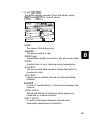
4. Touch 1-1 when you are finished.
Touch -1 at any time before touching -1
to discard any changes you have made.
Deleting
entries
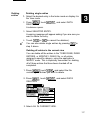
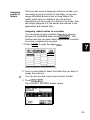
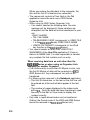
Deleting single entries
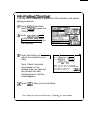
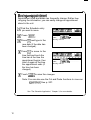
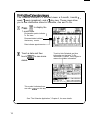
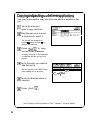
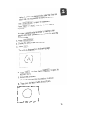
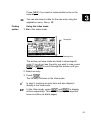
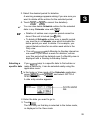
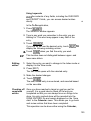
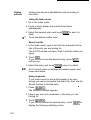
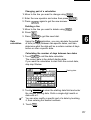
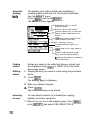
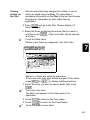
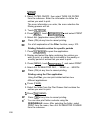
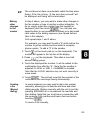
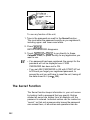
1. Select the entry you want to delete in the Index mode, or
display it in the View mode.
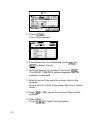
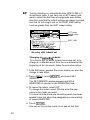
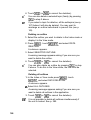
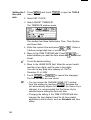
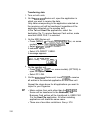
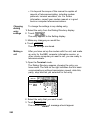
2. Press (m) , touch I[, and select DATA
DELETION.
3. Select SELECTED ENTRY.
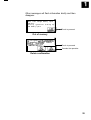
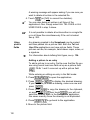
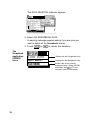
A warning message appears asking if you are sure you
want to delete the entry.
4. Touch [YES]] (or ml to cancel the deletion).
*’
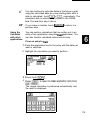
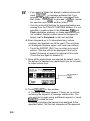
You can also delete single entries by pressing (m) in
step 2 above.
Deleting all entries
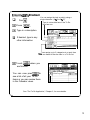
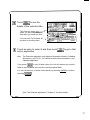
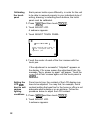
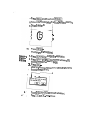
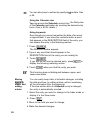
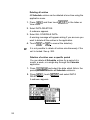
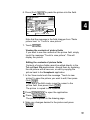
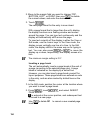
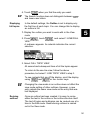
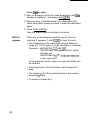
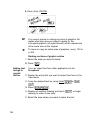
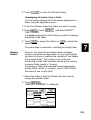
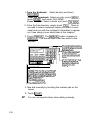
1. Press (m) , touch IMoolFv] , and select DATA
DELETION.
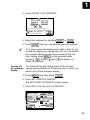
2. Select ALL NOTEBOOK DATA.
144