1
Appendix B Setup CD and Setup Menu
DX-Series Setup Menu
Displaying User
Options
2
•
Configuring User Options
•
Creating Cartridges
•
Displaying Diagnostic Data
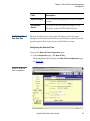
The DX-Series system can display the current user configuration settings
through the controller serial port. To view the user options:
1 Connect a local host to the controller as shown in Connecting to the
Controller on page 113.
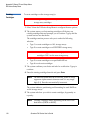
2 At the system login prompt, type setup (all lower case characters)
and press Enter.
The system prompts you for a password.
3 Type password (all lower case characters) and press Enter.
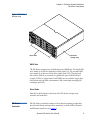
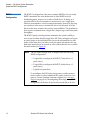
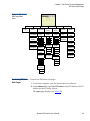
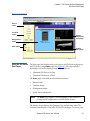
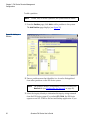
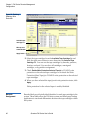
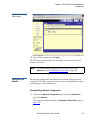
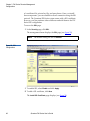
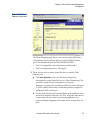
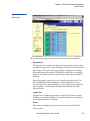
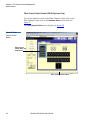
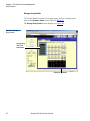
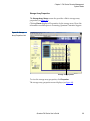
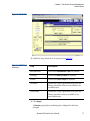
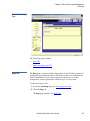
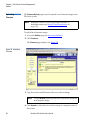
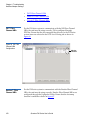
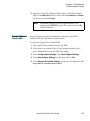
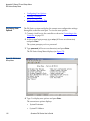
The DX-Series Setup Menu displays (see figure 72):
Figure 72 DX-Series
Setup Menu
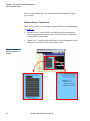
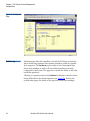
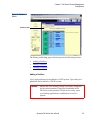
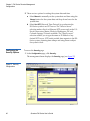
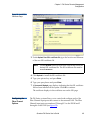
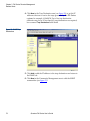
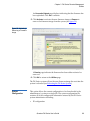
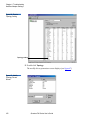
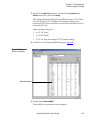
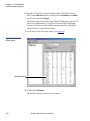
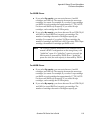
4 Type 1 to display user options and press Enter.
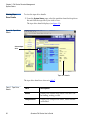
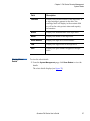
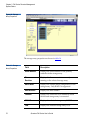
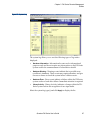
The current user options displays:
116
•
System Hostname
•
System IP Address
Quantum DX-Series User’s Guide