1
Chapter 2 Basic Operations
DX-Series Storage Array Operations
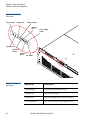
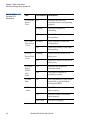
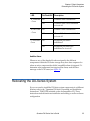
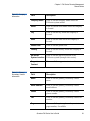
LED
On/Off
Description
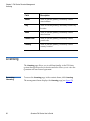
Button
Description
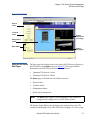
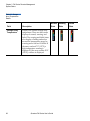
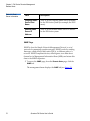
Mute button
Press the mute button to stop the alarm.
Note:
If the Attention - Red light is on, it does NOT necessarily
mean that a component within the storage array has
failed. Check the LCD display and use the up and down
arrows to view the events that occurred on the storage
array.
RAID Controller LEDs
2
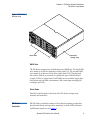
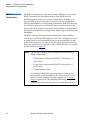
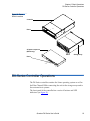
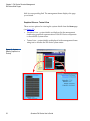
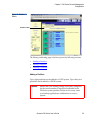
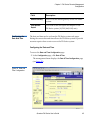
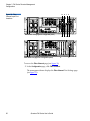
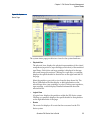
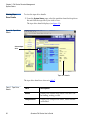
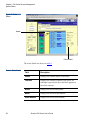
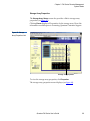
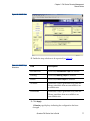
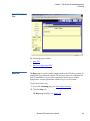
The RAID controller LEDs are located in the back of the storage array (see
figure 13). The DX30 storage array contains a single RAID controller
located in the upper bay and the DX100 storage array contains dual RAID
controllers.
Figure 13 RAID
Controller Locations
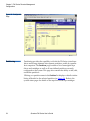
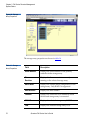
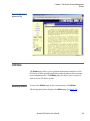
The LEDs located on the RAID controller are described in table 3.
Quantum DX-Series User’s Guide
23