1
Chapter 2 Basic Operations
DX-Series Storage Array Operations
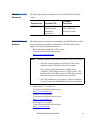
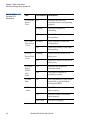
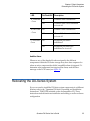
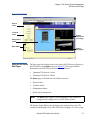
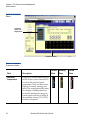
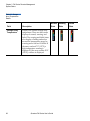
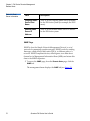
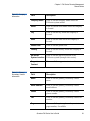
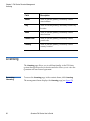
Button/LED
Description
Hard drive activity
This LED flashes when the flash disk is
active
Network port 1
This LED flashes indicating activity on the
first network port
Network port 2
This LED flashes indicating activity on the
second network port
Power supply status
Green indicates a good status on both power
supplies. Red indicates a single power
supply failure
Fan status
Green indicates a good status on all internal
cooling fans. Red indicates at least one fan
failure.
DX-Series Storage Array Operations
2
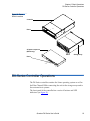
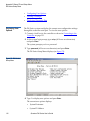
This section describes how to monitor the DX-Series storage array.
System Monitoring 2 The DX-Series storage array can be monitored either through the front
LCD panel, various LEDs located on the front and back of the unit, and
also through an audible alarm.
2
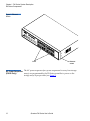
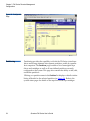
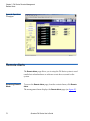
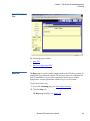
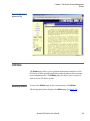
Storage Array LCD
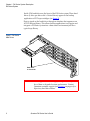
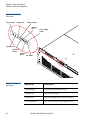
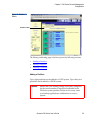
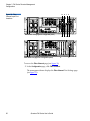
The storage array LCD is located in the upper left corner of the unit (see
figure 12).
Quantum DX-Series User’s Guide
21