1
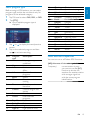
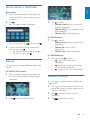
Before tuning to RDS stations, you can select
program type and let the unit search only for
programs of the selected category.
1
2
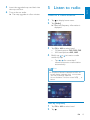
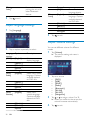
Tap FM band to select FM1, FM2, or FM3.
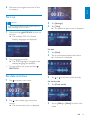
Tap [PTY] .
» List of available program type is
displayed.
3
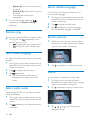
Tap or
screen.
4
Tap on the selected program and then
tap to activate searching.
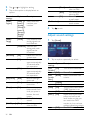
Item
1
Program
type
None
2
3
News
Affairs
4
Info
5
6
Sport
Educate
7
Drama
8
Culture
9
10
Science
Varied
11
12
13
14
Pop M
Rock M
Easy M
Light M
to display the next/previous
Description
No program type or
undefined
News services
Politics and current
affairs
Special information
programs
Sports
Education and advanced
training
Radio plays and
literature
Culture, religion and
society
Science
Entertainment
programs
Pop music
Rock music
Light music
Light classical music
15
16
17
18
19
20
21
22
23
24
25
26
27
28
29
30
31
32
Classics
Other M
Weather
Finance
Children
Social
Religion
Phone In
Travel
Leisure
Jazz
Country
Nation M
Oldies
Folk M
Document
Test
Alarm
Classical music
Special music programs
Weather
Finance
Children’s programs
Social Affairs
Religion
Phone In
Travel
Leisure
Jazz Music
Country Music
National Music
Oldies Music
Folk Music
Documentary
Alarm Test
Alarm
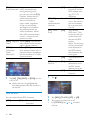
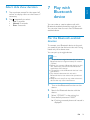
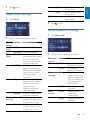
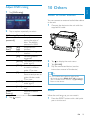
Select alternate frequencies
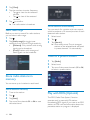
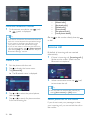
You can turn on or off below RDS functions:
[AF] (Alternate If the radio signal of the
Frequency)
current station is poor,
you can turn on the [AF]
function to let the unit
searches for another station
with stronger signal but
with the same program
identification.
EN
15
English
Select program type