1
•
•
•
4
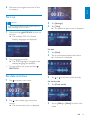
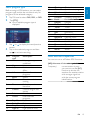
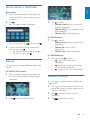
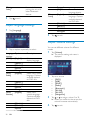
[Repeat A-]: the start of the section
to repeat.
[Repeat A-B]: the end of the section
to repeat.
The selected section plays
repeatedly.
To exit A-B repeat mode, tap
repeatedly until [Repeat A-B off] is
displayed.
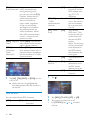
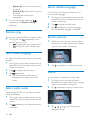
Select subtitle language
For DVD or DivX discs that contain two or
more subtitle languages.
1
During play, tap anywhere except for the
upper left corner to display menu on the
screen, if necessary.
2
3
Tap
to display the 2nd menu
Tap
repeatedly to select a language.
» The selected language is displayed.
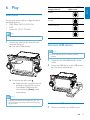
Random play
You can play audio tracks/files in random order.
1
During play, tap
repeatedly to turn
random play on or off.
•
is highlighted: start random play.
•
turns gray: cancel random play.
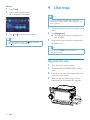
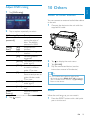
Rotate pictures
1
When you view pictures, tap anywhere
except for the upper left corner to display
menu on the screen, if necessary.
2
Tap
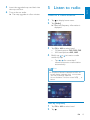
Select audio language
For video discs that contain two or more audio
channels.
1
2
3
During play, tap anywhere except for the
upper left corner to display menu on the
screen, if necessary.
Tap
to display the 2nd menu.
Tap
repeatedly.
» The audio channel information is
displayed on the upper line of the
screen.
Select audio mode
repeatedly to rotate the picture.
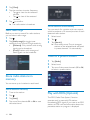
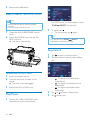
Zoom
You can zoom in pictures for a close view.
1
During view pictures, tap anywhere
except for the upper left corner to display
menu on the screen, if necessary.
2
Tap
3
Tap , , or to pan through the
enlarged picture.
repeatedly to zoom in the picture.
When you play VCDs, you can select an audio
mode (R/L/Stereo).
1
During play, tap anywhere except for the
upper left corner to display menu on the
screen.
2
Tap
repeatedly until the audio mode
is selected.
20
EN