1
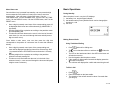
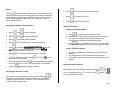
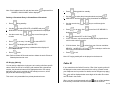
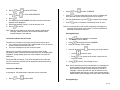
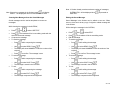
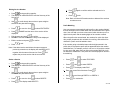
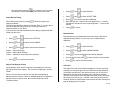
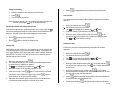
Note: If Outbox already contains maximum number of messages,
will display
Note: If there is no message in the Outbox, press
EMPTY. The display will return to OUTBOX after a while.
OUTBOX FULL will be displayed when
USE TEXT.
is pressed on
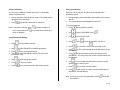
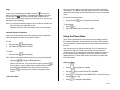
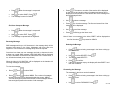
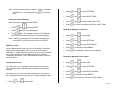
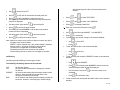
Creating New Messages from the Saved Messages
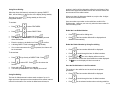
Editing the Saved Message
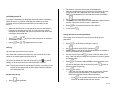
Saved messages can be used as templates to create new
messages.
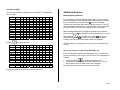
Saved Message in the Outbox can be edited or sent out. When
sent out, there won’t be any copy of original or edited message left
in the Outbox.
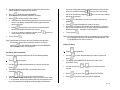
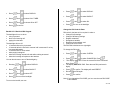
While viewing the message in the OUTBOX,
While viewing the message in the OUTBOX,
•
Press
•
. The handset will be in text editing mode with the
Press
text from the saved message.
Compose the message.
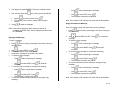
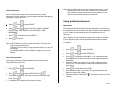
To send the message,
•
•
•
to select USE TEXT.
Press
o
o
to select SEND. Press
.
Use
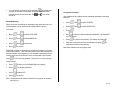
The display will show NUMBER?. Enter the number of the
recipient
to confirm. The message is sent.
o Press
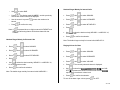
To save the message,
Press
•
Press
•
•
•
. The handset will be in text editing mode.
Press
Edit the message.
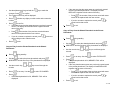
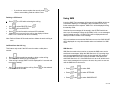
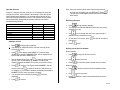
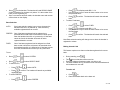
To send the message,
while composing the message.
o
o
•
. Use
•
while composing the message.
to select SAVE. Press
.
o Use
o The message is saved in the OUTBOX.
To exit,
to select EDIT.
while editing the message.
o
Press
o
o
to select SEND. Press
.
Use
The display will show NUMBER?. Enter the number of the
recipient
to confirm. The message is sent.
o Press
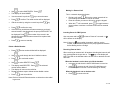
To save the message,
o
•
. Use
Press
while editing the message.
to select SAVE. Press
.
o Use
o The message is saved in the OUTBOX.
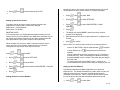
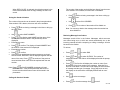
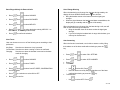
To exit,
o
Press
while composing the message.
o
Press
while editing the message.
o
o
to select EXIT. Press
.
Use
The message composed will be neglected.
o
o
to select EXIT. Press
.
Use
The message composed will be neglected.
26 of 42