1
Note
If you want to save the spreadsheet to Microsoft Excel format, the
following characters are not allowed in sheet names: \ / ? * [ ] : and ' as
the first or last character of the name.
Inserting new sheets
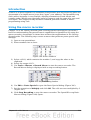
There are several ways to insert a new sheet. The first step, in all cases, is to select
the sheet that will be next to the new sheet. Then do any of the following:
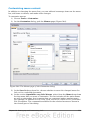
• Select Insert > Sheet from the menu bar, or
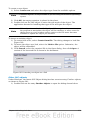
• Right-click on the tab and select Insert Sheet, or
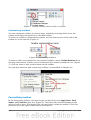
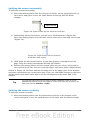
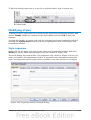
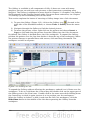
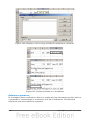
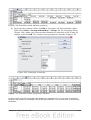
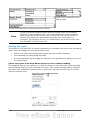
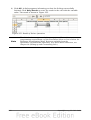
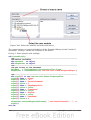
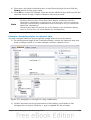
• Click in an empty space at the end of the line of sheet tabs.
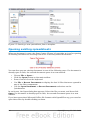
Click here to
create a new
sheet
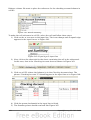
Figure 257: Creating a new sheet
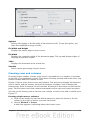
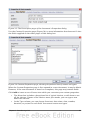
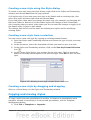
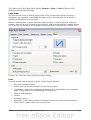
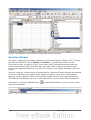
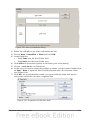
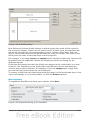
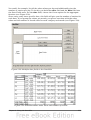
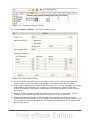
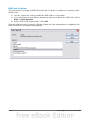
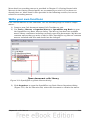
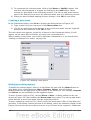
Each method opens the Insert Sheet dialog. You can choose to put the new sheet
before or after the selected sheet, give it a name and decide how many sheets to
insert.
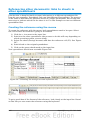
Figure 258. Insert Sheet dialog
Chapter 10 Linking Calc Data
261