1
d4243_basic_e_00_bookfile_7.book Page 4 Thursday, January 27, 2005 3:37 PM
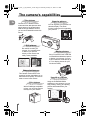
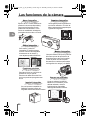
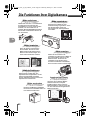
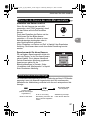
The camera’s capabilities
En
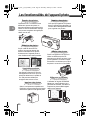
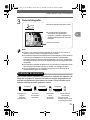
Take pictures
Choose from 17 different scene
modes and then take pictures with a
simple press of the shutter button.
With the image stabilizer function,
you can record beautiful movies with
sound.
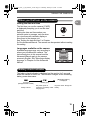
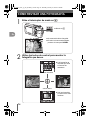
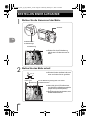
Organize pictures
You can organize your pictures in a
calendar display. The album
function is also great for organizing
your pictures.
SEL. ALBUM
REGISTERED:10
CANCEL
SELECT
GO
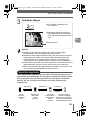
Edit pictures
Be creative and edit your
pictures. You can add frames
or titles to your pictures
directly on the camera and
easily create postcards.
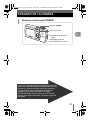
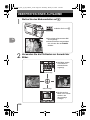
Display pictures
Set your camera on the cradle and
use the different slideshow options
to display your pictures. You can
even connect the cradle directly to
a TV to display pictures for your
friends and family.
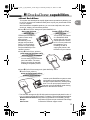
Convenient features
This camera comes with a voice
recording function that allows you to
select the sound quality. This can be
used to record voice memos.
Print pictures
With a PictBridge-compatible
printer, you can print pictures
directly from your camera.
4
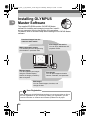
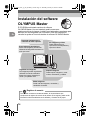
Use with a computer
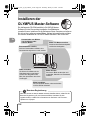
Using the OLYMPUS Master
software on your computer, you can
enjoy editing, viewing, and printing
pictures downloaded from your
camera.