1
4. Play Music
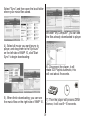
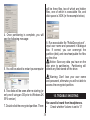
1). Connect player to PC, after 10 seconds
a dialog will be appear, select "Take no
action" or click "Cancel" button to continue.
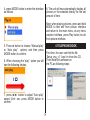
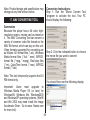
2). Open "My Computer", clean up
the device as the following steps:
How to play DRM music
System Requirement:
* Windows XP+SP2;
* Windows Media Player 10.3646
or above (New install do not
upgrade from old version);
Although you can copy music files from
somewhere, you can't get the DRM license.
Only Windows XP support MTP(Media
Transfer Protocol).
You can setup the player as a
U-disk or MTP device.
How to add DRM music
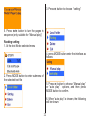
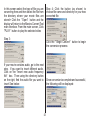
a). Click the MTP device icon use
the right button of the mouse,
and then select "Format";
b). Waiting for the format
processing until finish.
3). Run "WMP10"(Windows Media Player
10), the "MTP" device will be discovered.