1
Monitoring Tools
9-9
Event Histories
The Netopia Router records certain relevant occurrences in event
histories. Event histories are useful for diagnosing problems
because they list what happened before, during, and after a
problem occurs. You can view two different event histories: one for
the router’s system and one for the ISDN or leased line.
Note: Netopia Router’s built-in battery backup prevents loss of
event history from a shut down or reset.
The Router’s event histories are structured to display most recent
events first, and to make it easy to distinguish error messages from
informational messages. Error messages are prefixed with an
asterisk.
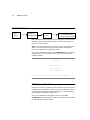
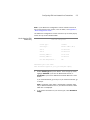
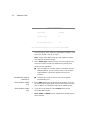
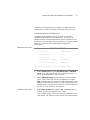
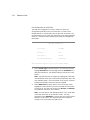
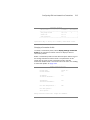
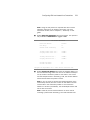
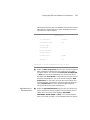
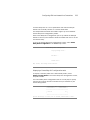
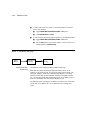
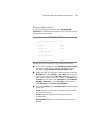
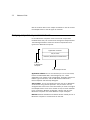
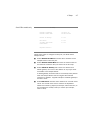
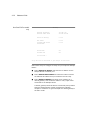
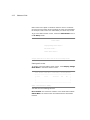
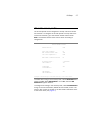
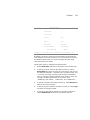
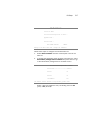
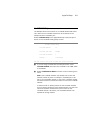
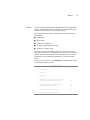
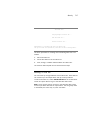
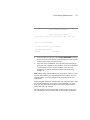
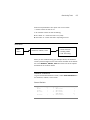
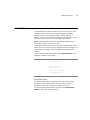
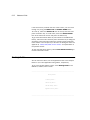
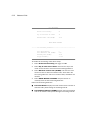
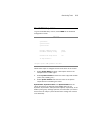
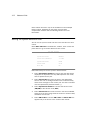
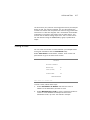
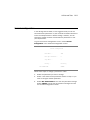
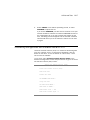
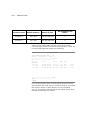
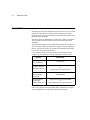
To go to the Event Histories screen, select Event Histories in the
Statistics, Utilities, Tests screen.
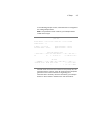
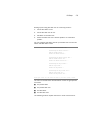
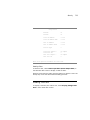
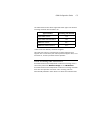
Event Histories
Device Event History...
WAN Event History...
Clear Device Event History...
Clear WAN Event History...
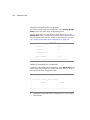
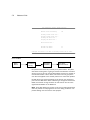
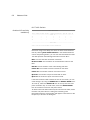
Device Event History
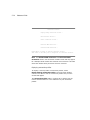
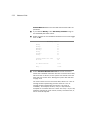
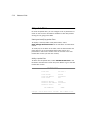
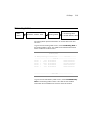
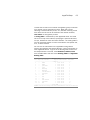
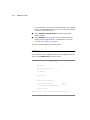
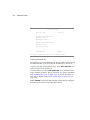
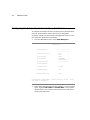
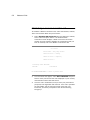
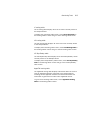
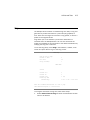
The Device Event History screen lists port and system events,
giving the time and date for each event, as well as a brief
description. The most recent events appear at the top.
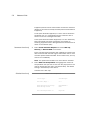
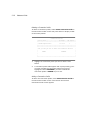
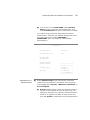
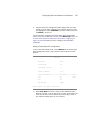
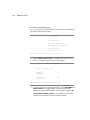
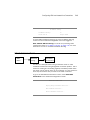
To go to the Device Event History screen, select Device Event
History in the Event Histories screen.