1
2-46
Reference Guide
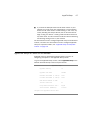
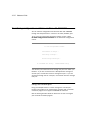
Customizing the default profile
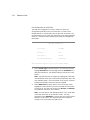
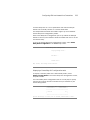
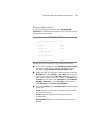
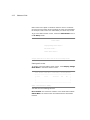
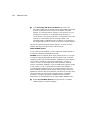
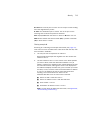
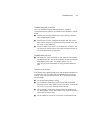
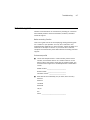
You can customize the Netopia Router’s default frame relay profile in
the Default Frame Profile screen.
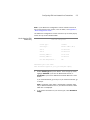
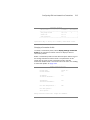
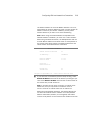
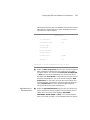
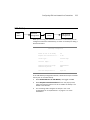
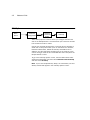
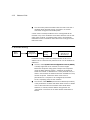
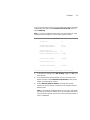
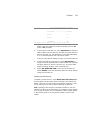
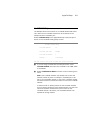
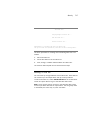
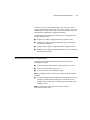
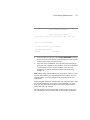
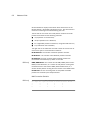
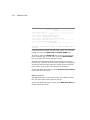
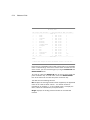
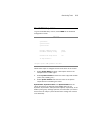
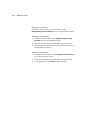
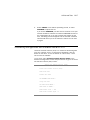
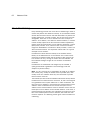
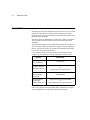
WAN Setup
Line Configuration...
Frame Relay Configuration...
Frame Relay DLCI Configuration...
Connection Profiles...
Default Frame Profile...
Return/Enter for default WAN connection parameters.
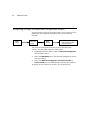
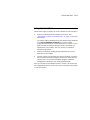
1.
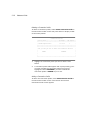
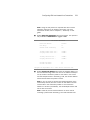
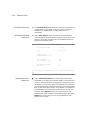
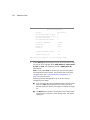
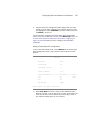
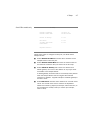
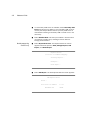
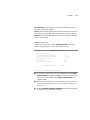
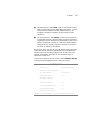
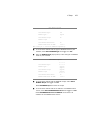
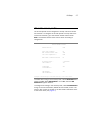
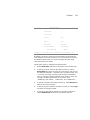
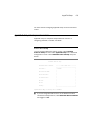
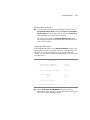
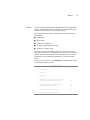
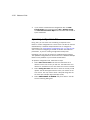
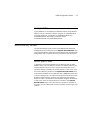
Select Default Frame Profile in the WAN Setup screen. Press
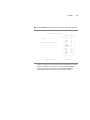
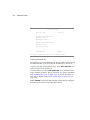
Return. The Default Frame Profile screen appears.
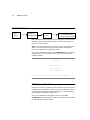
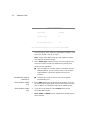
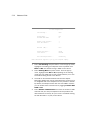
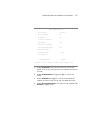
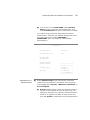
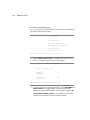
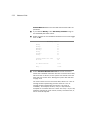
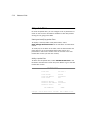
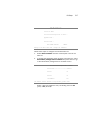
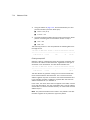
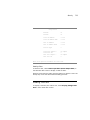
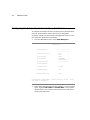
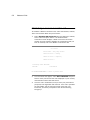
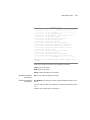
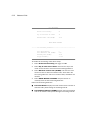
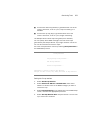
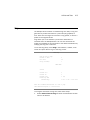
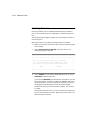
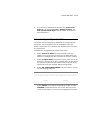
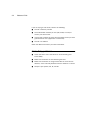
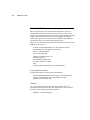
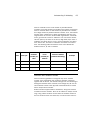
Default Frame Profile
Must Match a Defined Profile:
No
IP Enabled:
Yes
IP Parameters...
IPX Enabled:
Yes
IPX Parameters...
Configure Default WAN Connection Parameters here.
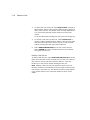
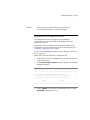
2.
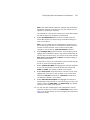
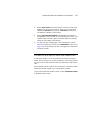
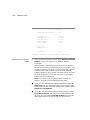
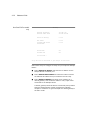
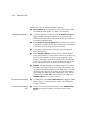
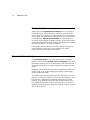
To force matches with connection profiles, select Must Match a
Defined Profile and toggle to Yes. To allow the frame relay
network to automatically configure a frame profile, toggle to No.
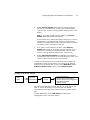
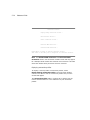
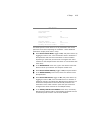
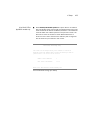
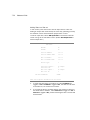
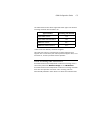
If Must Match a Defined Profile is set to Yes, the fields in the
Default Profile screenshot above will remain hidden.