1
ProSecure Unified Threat Management (UTM) Appliance Reference Manual
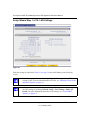
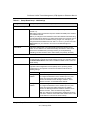
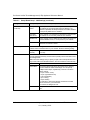
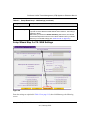
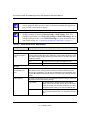
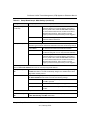
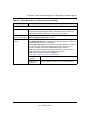
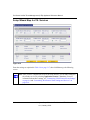
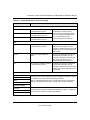
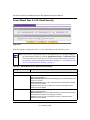
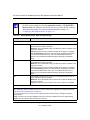
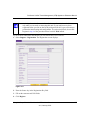
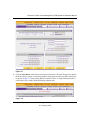
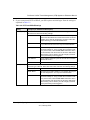
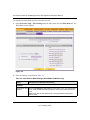
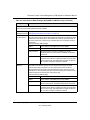
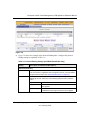
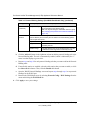
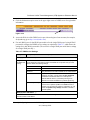
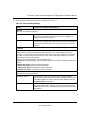
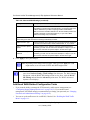
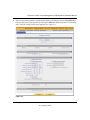
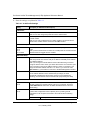
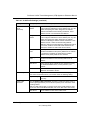
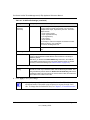
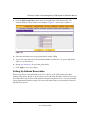
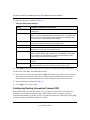
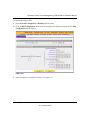
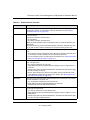
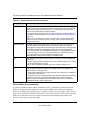
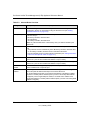
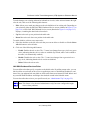
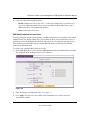
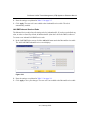
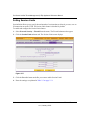
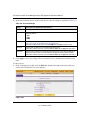
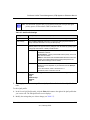
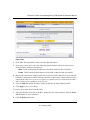
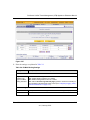
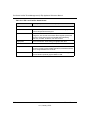
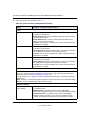
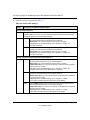
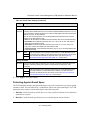
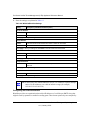
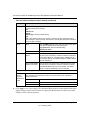
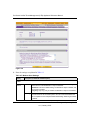
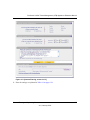
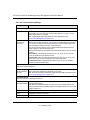
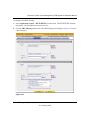
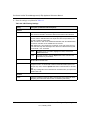
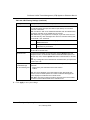
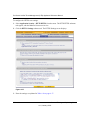
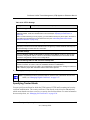
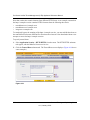
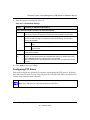
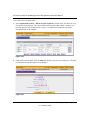
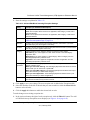
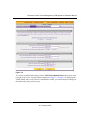
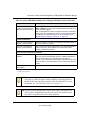
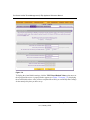
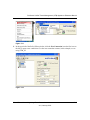
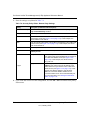
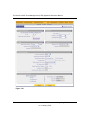
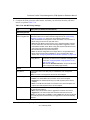
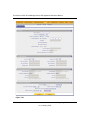
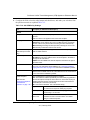
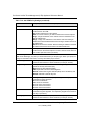
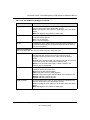
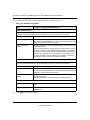
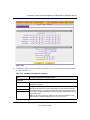
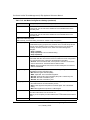
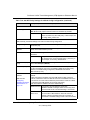
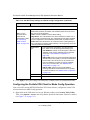
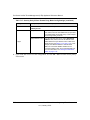
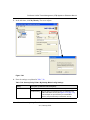
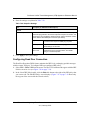
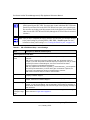
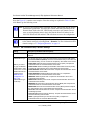
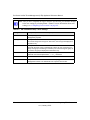
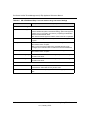
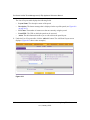
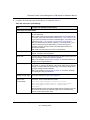
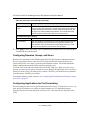
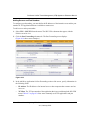
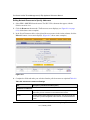
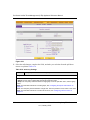
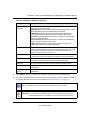
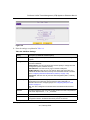
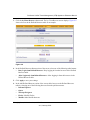
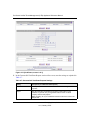
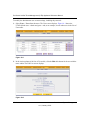
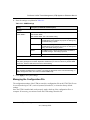
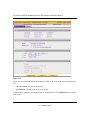
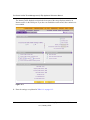
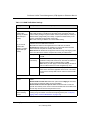
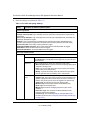
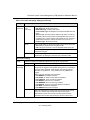
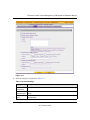
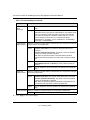
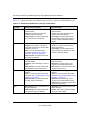
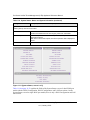
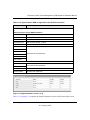
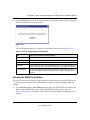
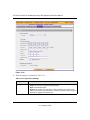
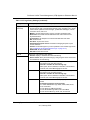
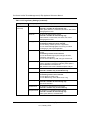
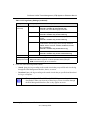
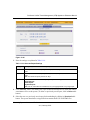
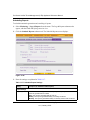
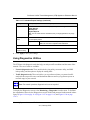
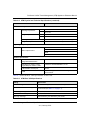
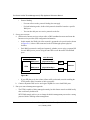
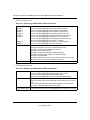
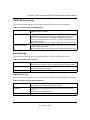
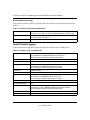
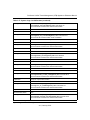
3. Enter the settings as explained in Table 4-4.
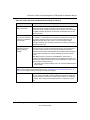
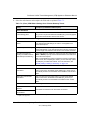
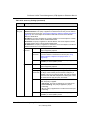
Table 4-4. Static Route Settings
Setting
Description (or Subfield and Description)
Route Name
The route name for the static route (for purposes of identification and
management).
Active
To make the static route effective, select the Active checkbox.
Note: A route can be added to the table and made inactive, if not needed. This
allows routes to be used as needed without deleting and re-adding the entry.
an inactive route is not advertised if RIP is enabled.
Private
If you want to limit access to the LAN only, select the Private checkbox. Doing
so prevents the static route from being advertised in RIP.
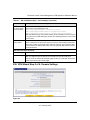
Destination IP Address The destination IP address to the host or network to which the route leads.
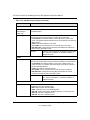
IP Subnet Mask
The IP subnet mask to the host or network to which the route leads. If the
destination is a single host, enter 255.255.255.255.
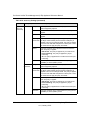
Interface
From the pull-down menu, select the interface that is the physical network
interface (WAN1, WAN2, LAN, or DMZ for the dual-WAN port models; WAN,
LAN, or DMZ for the single-WAN port models) or virtual interface (VLAN
profile) through which the route is accessible.
Gateway IP Address
The gateway IP address through which the destination host or network can be
reached.
Metric
The priority of the route. Select a value between 2 and 15. If multiple routes to
the same destination exist, the route with the lowest metric is used.
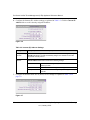
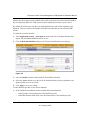
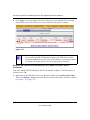
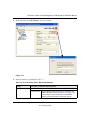
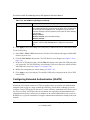
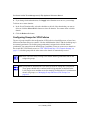
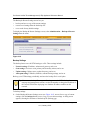
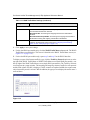
4. Click Apply to save your settings. The new static route is added to the Static Route table.
To edit a static route that is in the Static Route table:
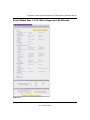
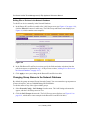
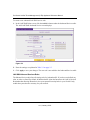
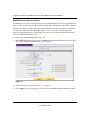
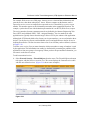
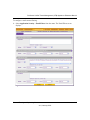
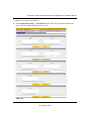
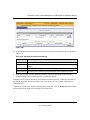
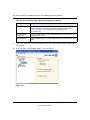
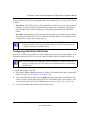
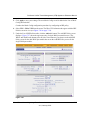
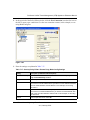
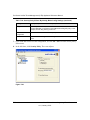
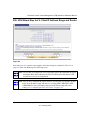
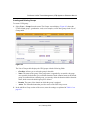
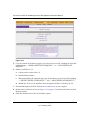
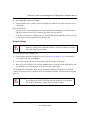
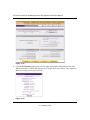
1. Select its entry from the table and click the Edit table button in the Action column. The Edit
Static Route screen displays. This screen is identical to the Add Static Route screen that is
described above with the exception that you cannot change the name of the static route.
2. Enter the settings as explained in Table 4-4.
3. Click Apply to save your settings.
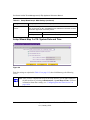
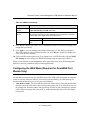
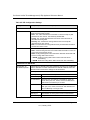
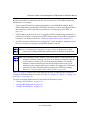
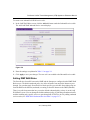
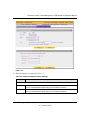
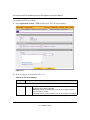
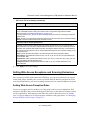
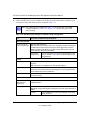
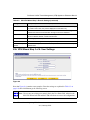
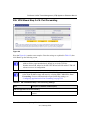
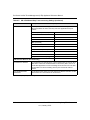
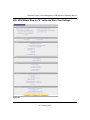
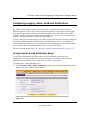
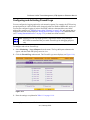
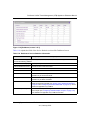
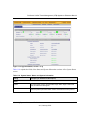
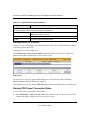
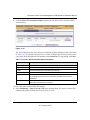
Configuring Routing Information Protocol (RIP)
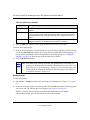
Routing Information Protocol (RIP), RFC 2453, is an Interior Gateway Protocol (IGP) that is
commonly used in internal networks (LANs). RIP enables a router to exchange its routing
information automatically with other routers, to dynamically adjust its routing tables, and to adapt
to changes in the network. RIP is disabled by default.
4-24
LAN Configuration
v1.0, January 2010