1
A300 Motherboard
After having done one of the above, save the changes and exit the CMOS Setup menu.
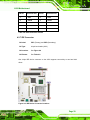
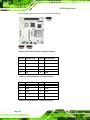
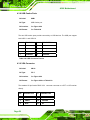
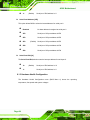
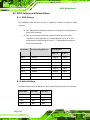
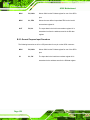
The clear CMOS jumper settings are shown in Table 5-3.
Clear CMOS
Description
Short 1-2
Keep CMOS Setup
Open 2-3
Clear CMOS Setup
Default
Table 5-3: JP2 Clear CMOS Jumper Settings
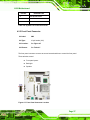
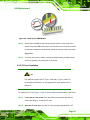
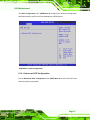
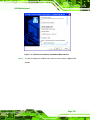
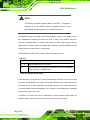
The location of the clear CMOS jumper is shown in Figure 5-9 below.
Figure 5-9: JP2 Clear CMOS Jumper
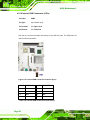
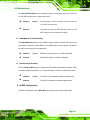
5.5.3 COM Port Setting Jumper
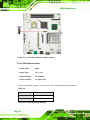
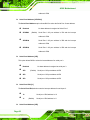
Jumper Label:
CN13
Jumper Type:
12-pin header
Jumper Settings:
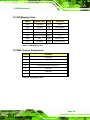
See Table 5-4
Jumper Location:
See Figure 5-10
Page 73