1
3. Install additional HP accessories.
Section 1. Create the Drivers Diskettes
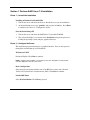
1. Locate one blank, formatted 3.5" diskette.
2. Insert your HP Startup CD in a Windows PC and follow the on-screen
instructions to create the HP Server tc2120 NetWare SCSI drivers and the
Embedded LAN drivers.
NOTE: If the Windows PC does not auto-start the Startup menu, start it by opening
Startup.htm found at the root level of the Startup CD.
Section 2. Perform Netware 6.0 SBS Installation
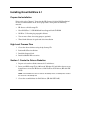
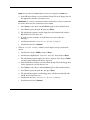
The installation of Netware 6.0 SBS contains several phases:
NOTE: Select the starting Phase that best fits your configuration.
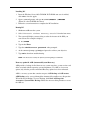
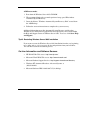
•
Phase 1 – Pre-Installation
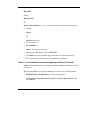
— Phase 1a – only for Non-bootable Installation CD or IDE RAID
— Phase 1b – Non-Multilingual bootable Installation CD without IDE RAID
— Phase 1c –Multilingual bootable Installation CD without IDE RAID
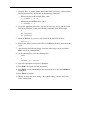
•
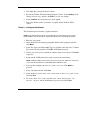
Phase 2 – Start the Installation
59
HP CONFIDENTIAL
Writer: Jimmy Chan File Name: 312977-006.doc
Codename: Condor II Part Number: 312977-006 Last Saved On: 9/10/03 10:05 AM