1
Verifying Jukebox Operation and Labeling
Adding a Product Upgrade Label and Replacing the Product Nameplate
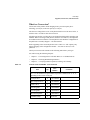
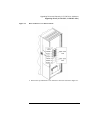
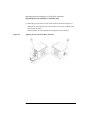
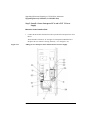
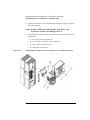
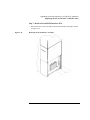
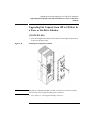
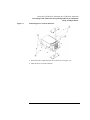
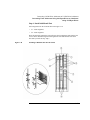
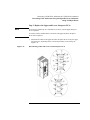
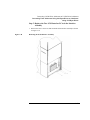
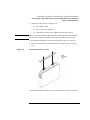
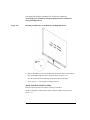
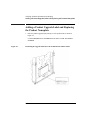
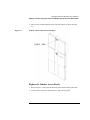
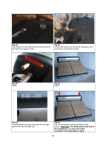
2. Place the new product nameplate on the top of the jukebox as shown in Figure
5-2.
Figure 5-2
Position of the Product Label (Nameplate)
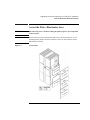
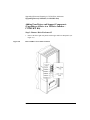
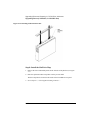
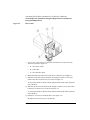
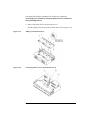
Replace the Jukebox Access Panels
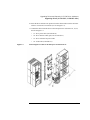
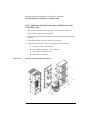
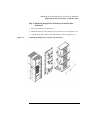
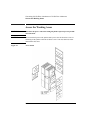
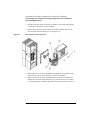
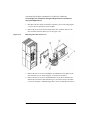
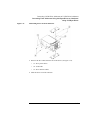
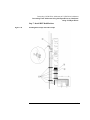
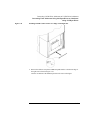
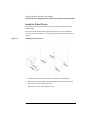
1. Refer to Figure 2-1 and replace the RFI side panels and the outside side panels.
2. If removed the rear panel to add magazines, replace the rear panel.
5-9