1
Installing the G06.24 RVU
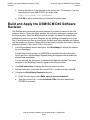
Build and Apply the New Software Revision
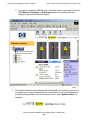
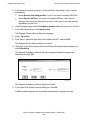
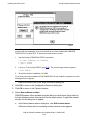
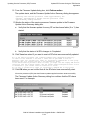
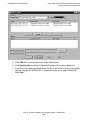
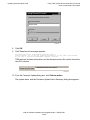
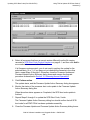
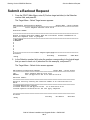
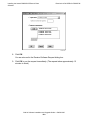
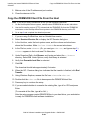
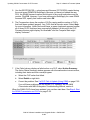
2. Under Perform steps, select Build, apply & process snapshot.
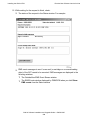
3. In the Activation SYSnn: box, enter a unique number to create a new SYSnn
subvolume. The value nn must be a two-digit octal number in the range%00...%77.
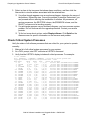
You can issue a FILEINFO command at a TACL prompt to view the SYSnn
subvolumes that are currently on your system. (For other ways to determine the
SYSnn, see Determine the Current SYSnn on page A-3.)
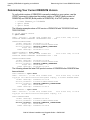
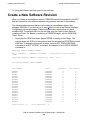
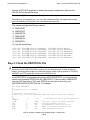
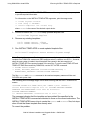
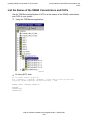
> fileinfo $system.*.osimage
4. Make a note of the new SYSnn. You will specify this SYSnn subvolume when:
•
•
•
•
Using the VPROC command to verify the location and version of your firmware
Specifying the location of firmware for the new RVU
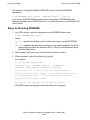
Running ZPHIRNM
Loading the G06.24 RVU
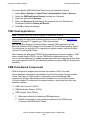
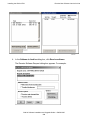
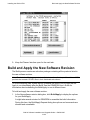
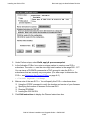
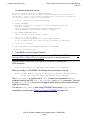
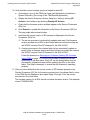
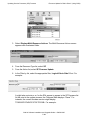
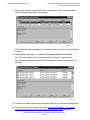
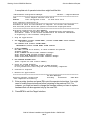
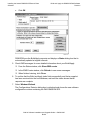
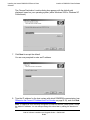
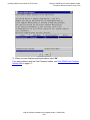
5. Click Edit instructions to display the Planner Instructions box.
G06.24 Software Installation and Upgrade Guide—528593-005
5- 15