1
3.
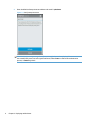
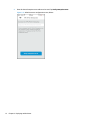
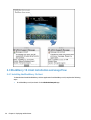
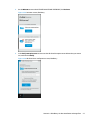
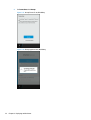
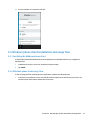
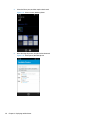
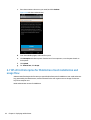
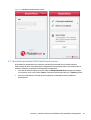
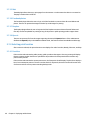
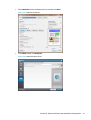
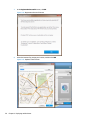
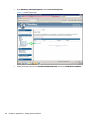
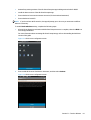
To request an account, enter an email address with a domain that is allowed in the HP ePrint Enterprise
installation. Tap check mark.
The HP ePrint Enterprise server sends an email with the activation code to confirm the account request
and activate the client in HP ePrint Enterprise.
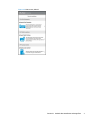
Figure 2-39 Account provisioning screen, Windows phone
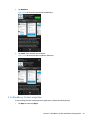
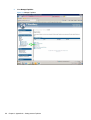
4.
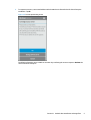
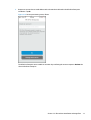
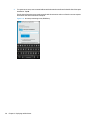
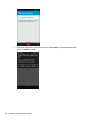
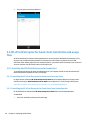
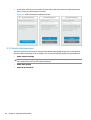
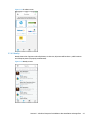
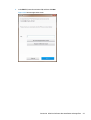
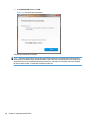
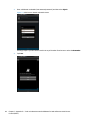
Enter the activation code, and then tap the check mark.
Figure 2-40 Activate your Application screen, Windows phone
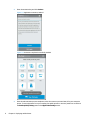
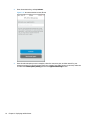
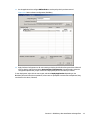
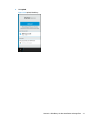
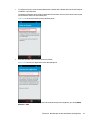
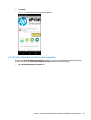
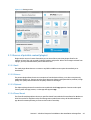
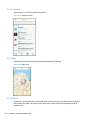
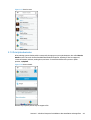
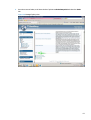
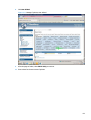
Successful activation screen displays. Once the authentication process completes, you can tap Email,
Pictures, or Files.
Section 2.5 Windows phone client installation and usage flow
35