1
Job Management
11
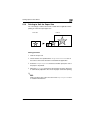
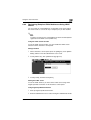
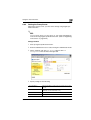
11.1.10Printing Pages with a Distribution Number
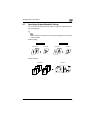
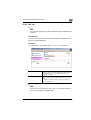
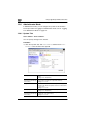
To identify each print job, a distribution number can be printed in the
background.
✎
Note
To use the distribution number function, the optional hard disk and 256
MB memory must be installed on this machine.
Procedure
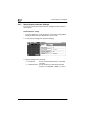
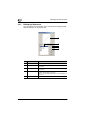
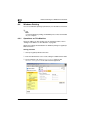
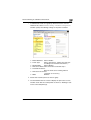
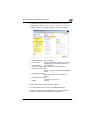
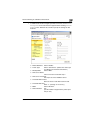
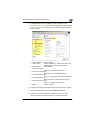
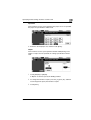
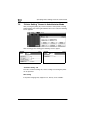
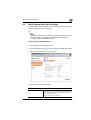
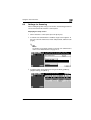
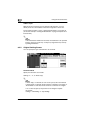
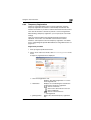
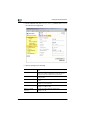
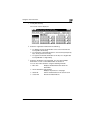
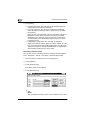
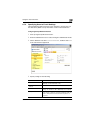
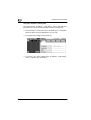
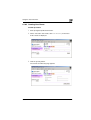
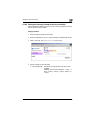
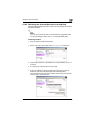
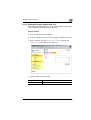
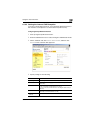
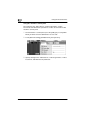
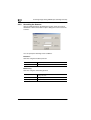
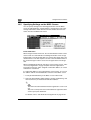
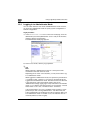
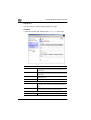
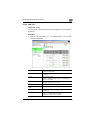
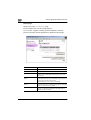
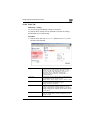
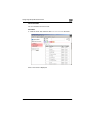
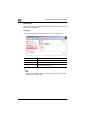
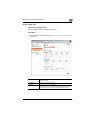
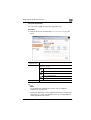
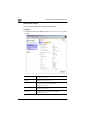
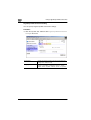
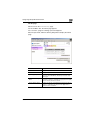
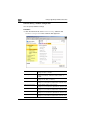
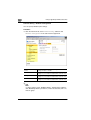
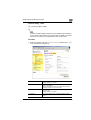
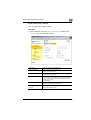
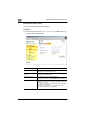
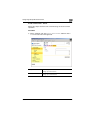
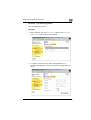
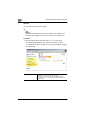
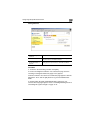
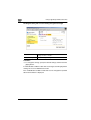
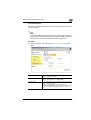
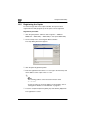
1 In the printer driver setup dialog box, click the “Job Management” tab.
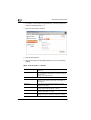
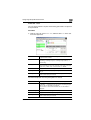
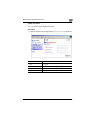
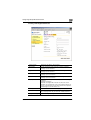
2 Select the Distribution Number check box under Distribution.
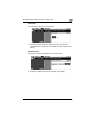
3 To print the distribution number only on the first page, select the 1st
Page Only check box.
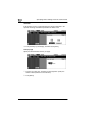
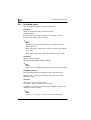
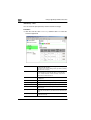
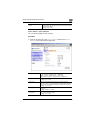
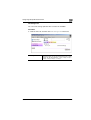
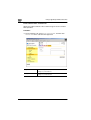
4 Specify the color of the distribution number (red, blue, or black) from
the Distribution Color list.
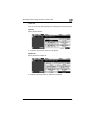
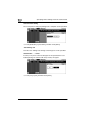
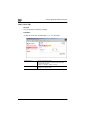
5 Enter the starting distribution number in the Starting Number box (1
to 999).
C350
11-9