1
Hazard Avoidance
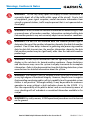
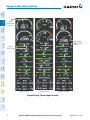
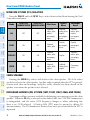
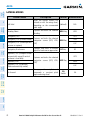
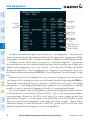
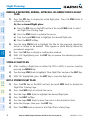
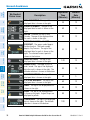
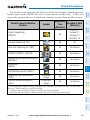
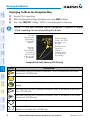
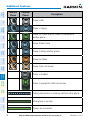
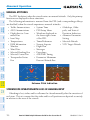
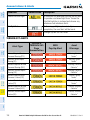
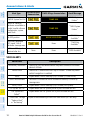
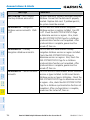
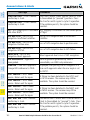
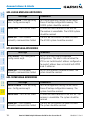
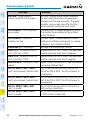
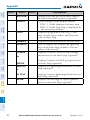
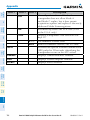
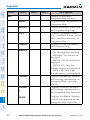
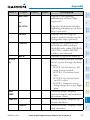
ICING POTENTIAL - The age of the
displayed data is shown at the right. The
altitude selection is shown at the bottom.
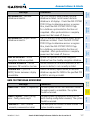
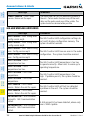
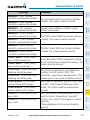
90
22
No Status Icon
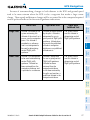
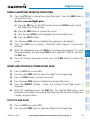
TFR- Depicted as an area outlined in
yellow
60
12
Nav/Com/
XPDR/Audio
Refresh
Rate
(Minutes)
EIS
Expiration
Time
(Minutes)
Flight
Instruments
Description
Wx Product
Status Icons
AFCS
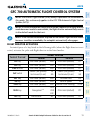
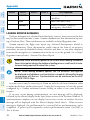
FIS-B WEATHER (OPTIONAL)
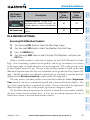
Accessing FIS-B Weather Products
GPS Nav
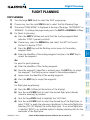
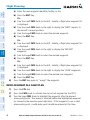
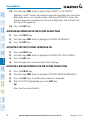
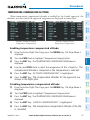
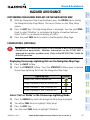
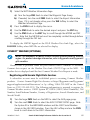
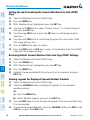
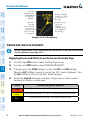
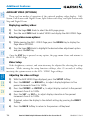
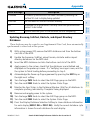
1) Turn the large FMS Knob to select the Map Page Group.
2) Turn the small FMS Knob to select the Weather Data Link Page.
Procedures
Hazard
Avoidance
Additional
Features
Abnormal
Operation
Annun/
Alerts
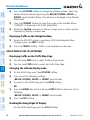
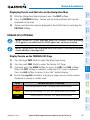
4) Turn the large FMS Knob to select ‘Display FIS-B Weather’, and press the
ENT Key.
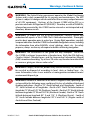
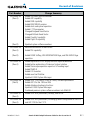
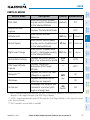
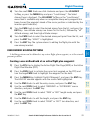
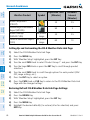
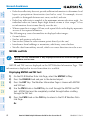
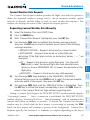
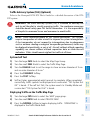
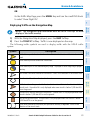
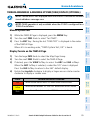
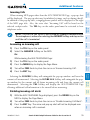
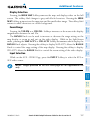
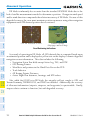
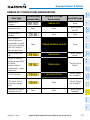
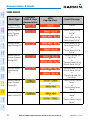
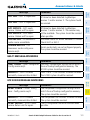
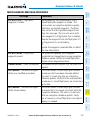
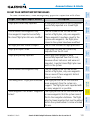
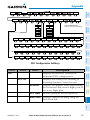
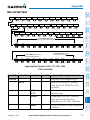
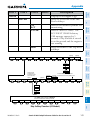
When a weather product is selected for display on the FIS-B Weather Data Link
Page, a box containing a symbol for the product and its age (in minutes) are shown
in the upper right. If weather data has not been requested, ‘N/A’ is shown next to the
product symbol instead of age. The age of the weather product is based on the time
difference between when the data was assembled on the ground and the current GPS
time. Weather products are updated continuously or refreshed at specific intervals
(defined in the Broadcast Interval column in the following table).
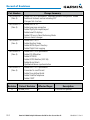
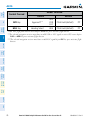
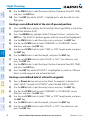
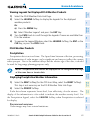
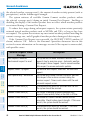
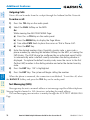
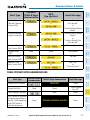
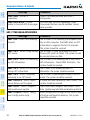
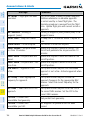
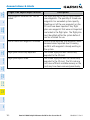
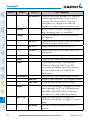
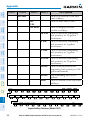
If for any reason, a weather product is not refreshed within the defined Expiration
Time intervals, the data is considered expired and is removed from the display. The
age of the expired product is replaced by dashes. If more than half of the expiration
time has elapsed, the color of the product age readout changes to yellow.
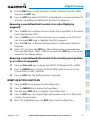
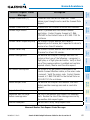
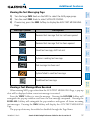
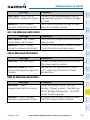
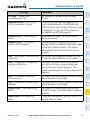
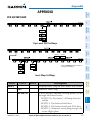
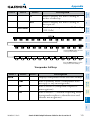
The broadcast interval represents the interval at which the servers make available
the most current known weather data. It does not necessarily represent the rate at
which new content is received from weather sources.
Flight
Planning
3) Press the MENU Key.
Appendix
Index
190-00384-13 Rev. B
Garmin G1000 Cockpit Reference Guide for the Cessna Nav III
59