1
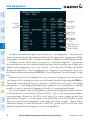
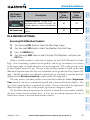
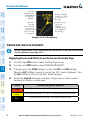
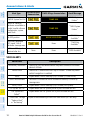
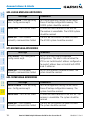
GENERIC TIMER
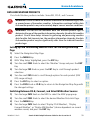
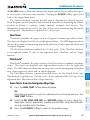
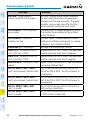
1) Press the TMR/REF Softkey, then turn the large FMS Knob to select the
time field (hh/mm/ss). Turn the FMS Knobs to set the desired time, then
press the ENT Key. The UP/DOWN field is now highlighted.
EIS
Flight
Instruments
Flight Instruments
Nav/Com/
XPDR/Audio
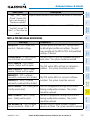
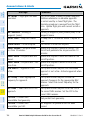
2) Turn the small FMS Knob to display the UP/DOWN window. Turn the FMS
Knob to select ‘UP’ or ‘DOWN’, then press the ENT Key. ‘START?’ is now
highlighted.
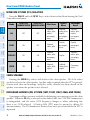
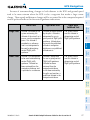
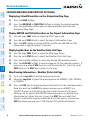
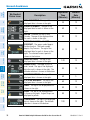
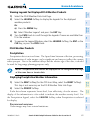
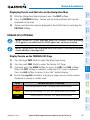
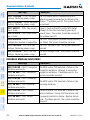
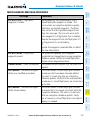
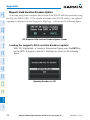
CONFIGURE VSPEED BUGS INDIVIDUALLY
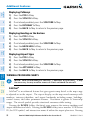
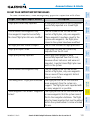
1) Press the TMR/REF Softkey.
2) Turn the large FMS Knob to highlight the desired Vspeed.
3) Use the small FMS Knob to change the Vspeed in 1-kt increments (when a
Flight
Planning
GPS Nav
AFCS
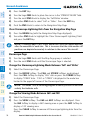
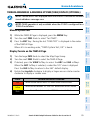
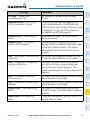
3) Press the ENT Key to START, STOP, or RESET the timer (if the timer is
counting DOWN, it starts counting UP after reaching zero). Press the CLR
Key or the TMR/REF Softkey to remove the window.
Procedures
speed has been changed from a default value, an asterisk appears next to
the speed).
5) Turn the small FMS Knob clockwise to ON or counterclockwise to OFF.
6) To remove the window, press the CLR Key or the TMR/REF Softkey.
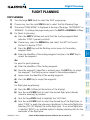
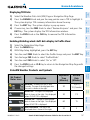
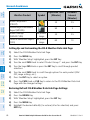
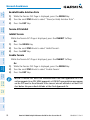
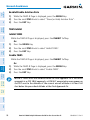
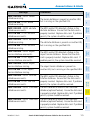
TURN ALL VSPEED BUGS ON OR OFF
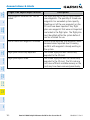
1) Select the TMR/REF Softkey.
Abnormal
Operation
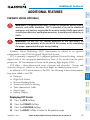
Additional
Features
Hazard
Avoidance
4) Press the ENT Key or turn the large FMS Knob to highlight the ON/OFF
field
2) Press the MENU Key.
Annun/
Alerts
3) Turn the FMS Knob to highlight the desired option.
Index
Appendix
4) Press the ENT Key. Select the TMR/REF Softkey to remove the window.
2
Garmin G1000 Cockpit Reference Guide for the Cessna Nav III
190-00384-13 Rev. B