1
quickrefset.book Page 6 Thursday, April 20, 2000 3:36 PM
Formatting Your CompactFlash
Memory Card
To take photos, a CompactFlash™ memory card must be
in your camera and formatted. Your camera comes with a
preinstalled 16MB memory card that you must format
before you take pictures. Follow these steps:
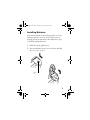
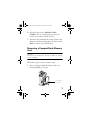
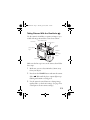
1 Press down the POWER button to turn on the
camera and turn the camera dial to
.
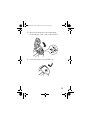
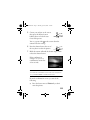
2 If you haven’t set the clock
yet, you see the clock setting
screen with the year
highlighted in red.
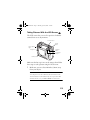
3 Press the buttons next to the up, down, right, and
left arrows to change the date and time settings. (For
detailed instructions, see your User’s Guide.)
4 When you’re finished, press the button under BACK.
You see the SETUP menu.
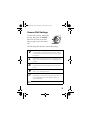
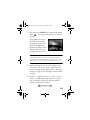
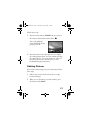
5 Press the button under
Memory SETUP. The
Memory Card Format
menu appears:
6