1
basics.book Page 16 Wednesday, August 11, 1999 2:26 PM
Install the Creative Software and Electronic
Manuals
Before you begin, Be sure any virus protection programs are turned off. Follow these
steps:
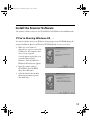
1. Insert the scanner software CD-ROM in your CD-ROM drive.
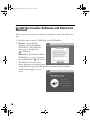
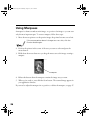
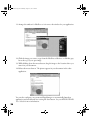
2. Windows: Double-click My
Computer, then double-click the
CD-ROM icon. The CD-ROM
window opens. Double-click
EPSON.exe.
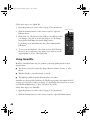
Macintosh: Double-click the EPSON
CD-ROM icon to open it, if necessary,
then double-click the
EPSON icon.
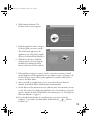
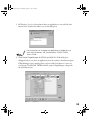
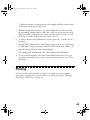
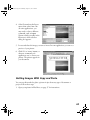
3. The EPSON screen and software
License Agreement screen appear. After
reading the license agreement, click AGREE to continue with the installation.
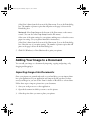
The Main Menu appears on your
screen.
16