1
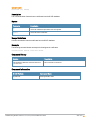
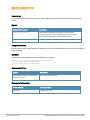
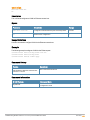
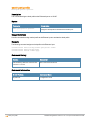
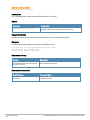
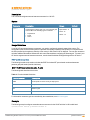
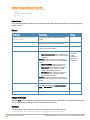
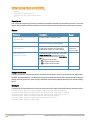
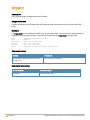
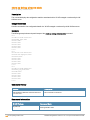
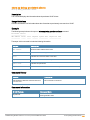
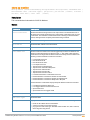
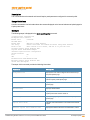
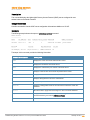
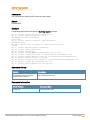
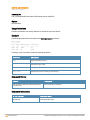
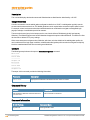
show swarm
show swarm {state|mode}
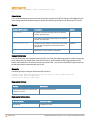
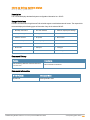
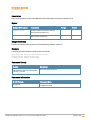
Description
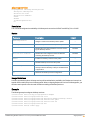
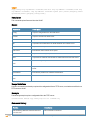
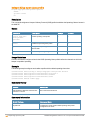
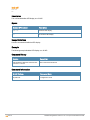
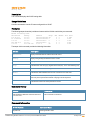
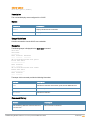
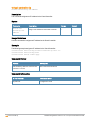
This command displays the current status of the W-IAP cluster and indicates if W-IAPs are in a cluster or standalone
mode.
Usage Guidelines
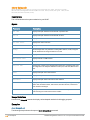
Use this command to view the current status of the W-IAP cluster and to view information about the functioning
mode of the W-IAP cluster.
Example
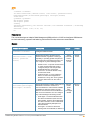
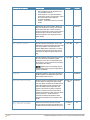
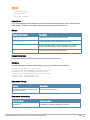
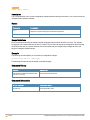
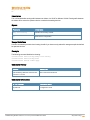
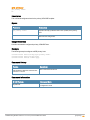
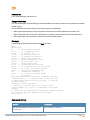
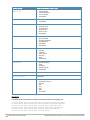
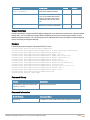
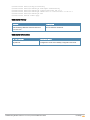
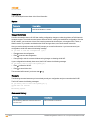
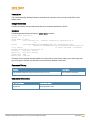
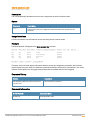
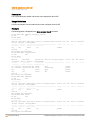
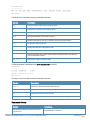
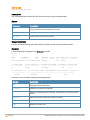
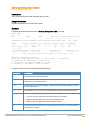
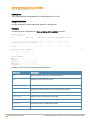
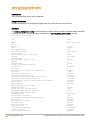
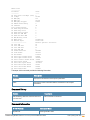
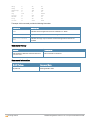
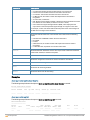
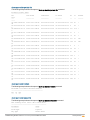
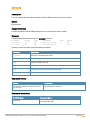
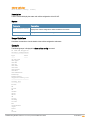
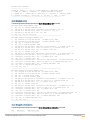
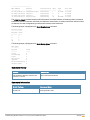
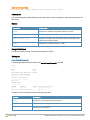
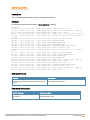
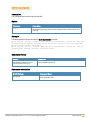
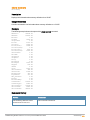
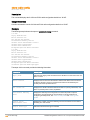
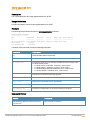
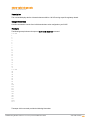
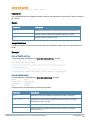
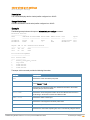
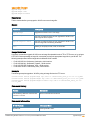
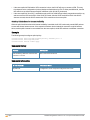
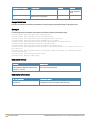
The following example shows the output of show swarm state command:
AP Swarm State
mesh ldart State
:swarm_config_sync_complete
:suspending
The output of this command describes synchronization status of the W-IAP cluster.
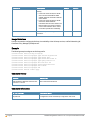
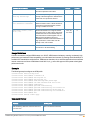
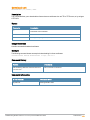
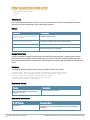
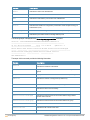
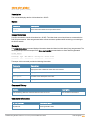
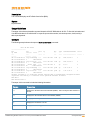
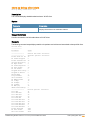
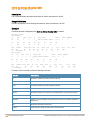
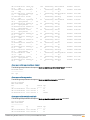
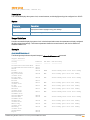
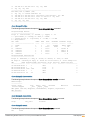
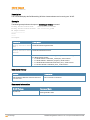
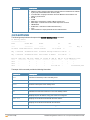
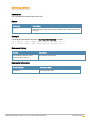
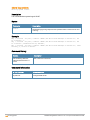
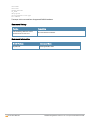
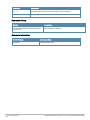
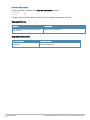
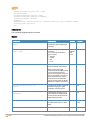
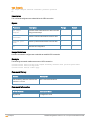
The following text shows an example output for the show swarm mode command:
Swarm Mode
:Cluster
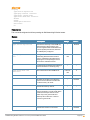
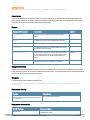
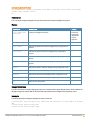
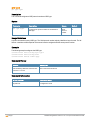
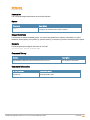
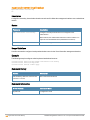
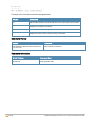
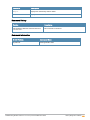
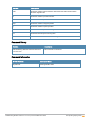
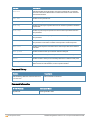
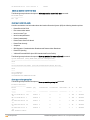
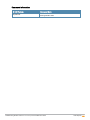
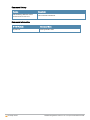
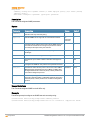
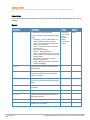
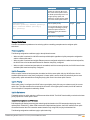
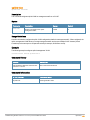
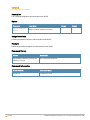
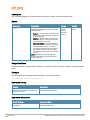
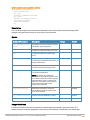
Command History
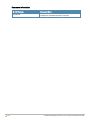
Version
Description
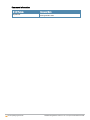
Dell Networking W-Series Instant Access Point
6.2.1.0-3.3.0.0
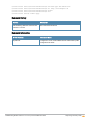
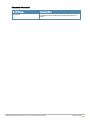
This command is introduced.
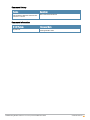
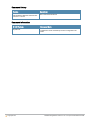
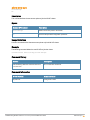
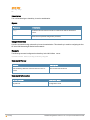
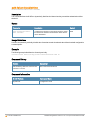
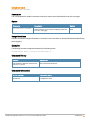
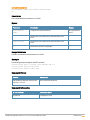
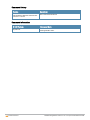
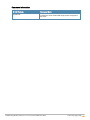
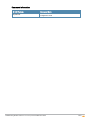
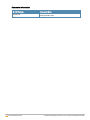
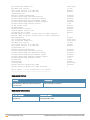
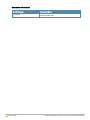
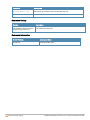
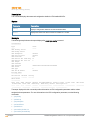
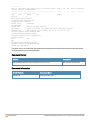
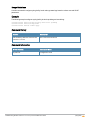
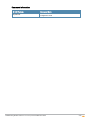
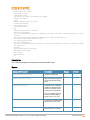
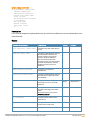
Command Information
W-IAP Platform
Command Mode
All platforms
Privileged EXEC mode
401| show swarm
Dell Networking W-Series Instant 6.2.1.0-3.3.0.0|Command Reference Guide