1
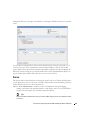
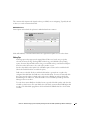
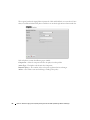
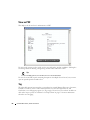
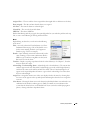
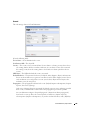
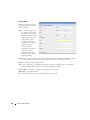
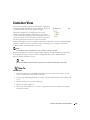
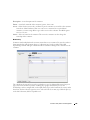
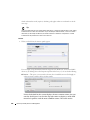
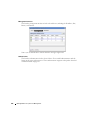
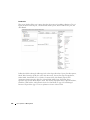
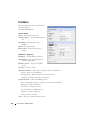
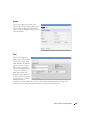
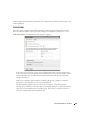
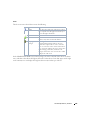
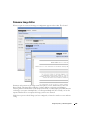
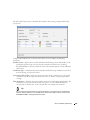
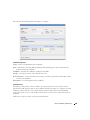
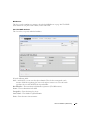
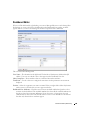
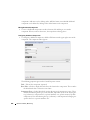
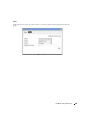
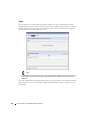
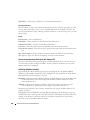
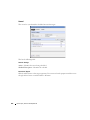
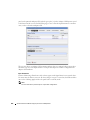
The editor has the following fields and settings to configure:
Condition Properties
Name— Enter a text identifier for the conditions.
Alert— Check this if you want Dell OpenManage Network Manager to emit an alert when the
monitor satisfies the conditions.
Trendable— Check if the conditions specified are trendable.
Severity— Specify the severity of the emitted alert, if any.
# of Occurrences— Enter the number of occurrences of what is specified in the Condition Filter
to satisfy the Conditions.
Description— A text description for the conditions.
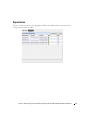
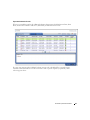
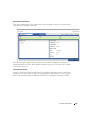
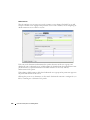
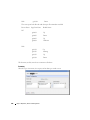
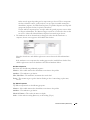
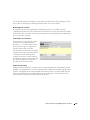
Condition Filter
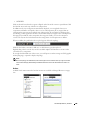
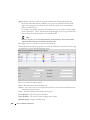
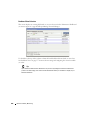
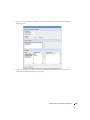
Minimally, use this panel to select a condition, an operator and a value. If you want to use the
logical AND or OR operators with a second condition, click the green plus (+), and select a second
condition, operator and value. For example, Packet Out Errors greater than 200 AND ifSpeed
greater than 10000 can be a set of conditions that only has to occur once to satisfy this monitor’s
condition.
Click Save to accept your edits, or Cancel to abandon them.
Resource Monitors | Monitoring
261