1
Targets
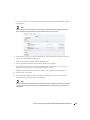
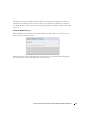
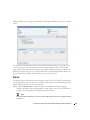
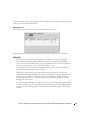
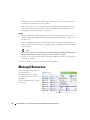
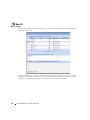
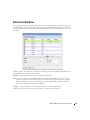
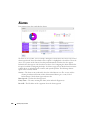
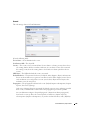
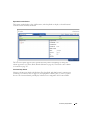
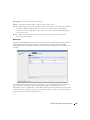
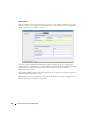
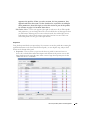
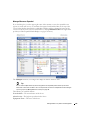
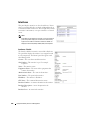
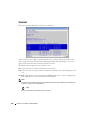
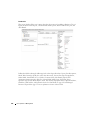
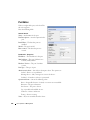
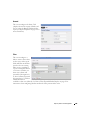
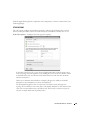
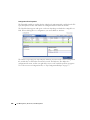
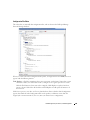
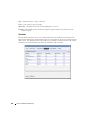
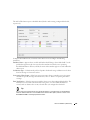
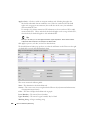
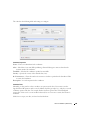
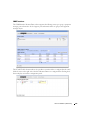
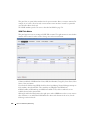
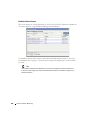
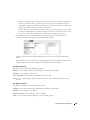
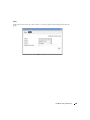
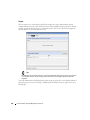
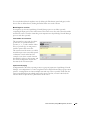
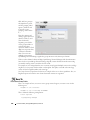
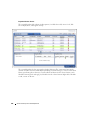
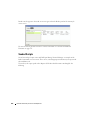
The top of this screen (Current Inherited Targets) displays any targets inherited from alreadyconfigured ProScan Groups. Click Add Targets in the Current Implicit Targets panel at the bottom
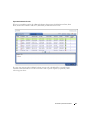
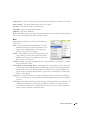
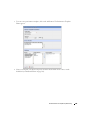
to select equipment that are targets to scan with this policy. You can also select listed equipment
click the Remove icon to delete it from the list.
Tip
Use filtering in the subsequent selector screen to make individual selection easier, but do not forget this
is not dynamic selection. You must assign policies whenever your managed environment adds new
equipment.
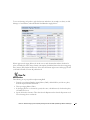
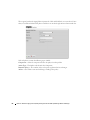
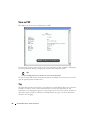
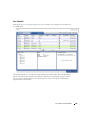
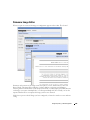
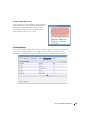
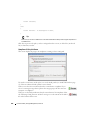
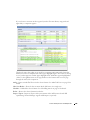
To provide information for individual policies that are part of groups, this screen displays inherited
group targets grayed out. See Creating or Modifying ProScan Policy Groups on page 325 for more
about groups.
312
ProScan Portlet | Change Management / ProScan