1
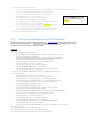
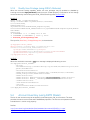
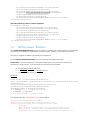
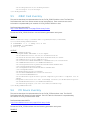
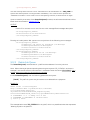
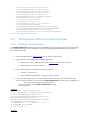
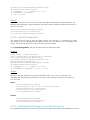
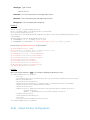
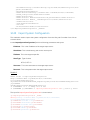
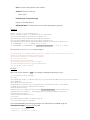
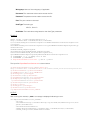
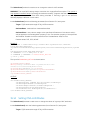
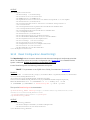
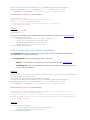
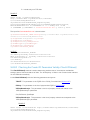
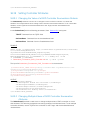
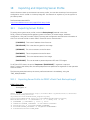
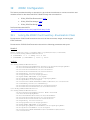
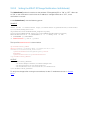
AttributeValue: Obtained from the PossibleValues field
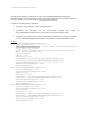
EXAMPLE:
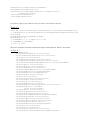
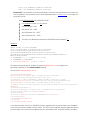
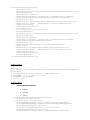
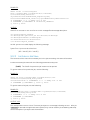
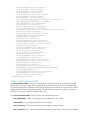
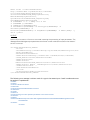
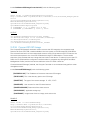
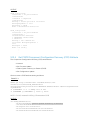
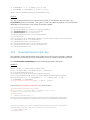
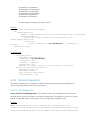
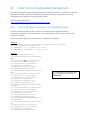
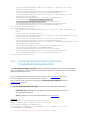
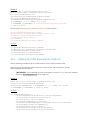
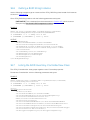
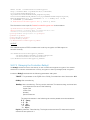
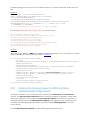
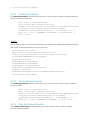
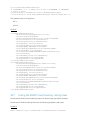
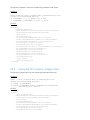
wsman invoke -a SetAttributes http://schemas.dmtf.org/wbem/wscim/1/cimschema/
2/root/dcim/DCIM_FCService
?SystemCreationClassName=DCIM_ComputerSystem,
CreationClassName=DCIM_FCService,SystemName=DCIM:ComputerSystem,
Name=DCIM:FCService -h $IPADDRESS -V -v -c dummy.cert -P 443
-u $USERNAME -p $PASSWORD -J SetAttribute_FC.xml -j utf-8 -y basic
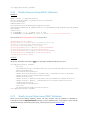
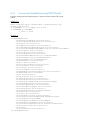
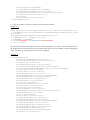
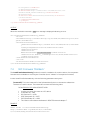
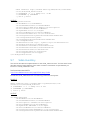
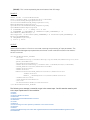
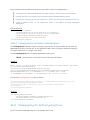
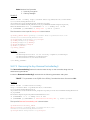
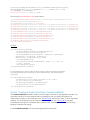
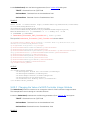
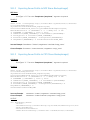
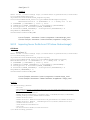
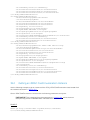
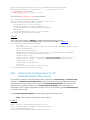
The input file SetAttribute_FC.xml is shown below:
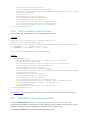
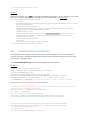
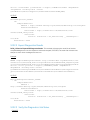
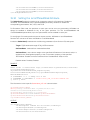
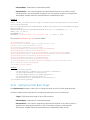
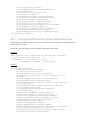
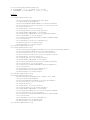
<p:SetAttribute_INPUT xmlns:p="http://schemas.dmtf.org/wbem/wscim/1/cimschema/2/root/dcim/DCIM_FCService">
<p:Target>FC.Slot.2-2</p:Target> <p:AttributeName>PortSpeed</p:AttributeName>
<p:AttributeValue>4G</p:AttributeValue>
</p:SetAttribute_INPUT>
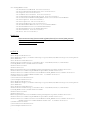
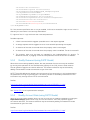
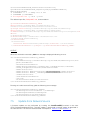
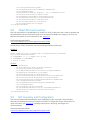
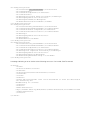
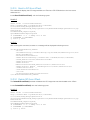
OUTPUT:
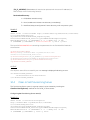
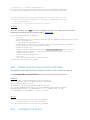
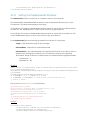
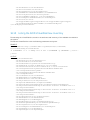
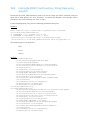
<n1:SetAttributes_OUTPUT>
<n1:Message>The command was successful</n1:Message>
<n1:MessageID>FC001</n1:MessageID>
<n1:RebootRequired>Yes</n1:RebootRequired>
<n1:ReturnValue>0</n1:ReturnValue>
<n1:SetResult>Set PendingValue</n1:SetResult>
</n1:SetAttributes_OUTPUT>
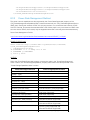
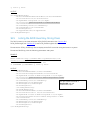
23.7
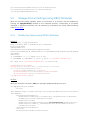
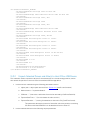
Applying the Pending Values for FCCreateTargetedConfigJob()
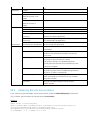
This method is called to apply the pending values created by the SetAttribute() and SetAttributes()
methods. The system will automatically reboot depending on the ScheduledStartTime selected.
Using the CreateTargetedConfigJob() jobID output with the job control section can be used to
obtain its status.
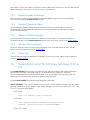
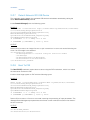
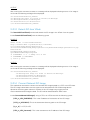
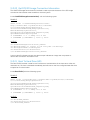
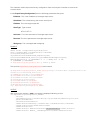
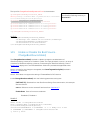
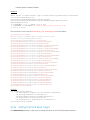
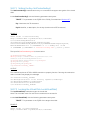
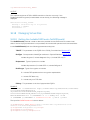
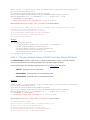
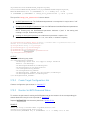
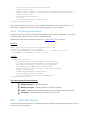
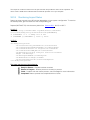
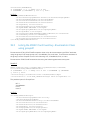
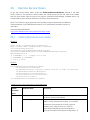
Invoke CreateTargetedConfigJob() with the following parameters and syntax:
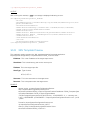
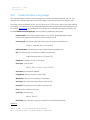
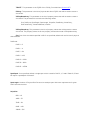
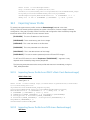
TARGET: This Parameter is the FQDD of the instances, obtained from the InstanceID field
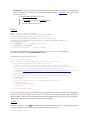
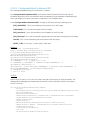
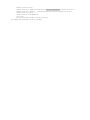
RebootJobType: There are three options for rebooting the system.
1 = PowerCycle
2 = Graceful Reboot without forced shutdown
3 = Graceful reboot with forced shutdown
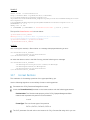
Note: When you do not want to set a reboot type when creating a target job, you should comment
out the RebootJobType in the input xml. You should not enter “0” or give no parameter at all in the
input xml.
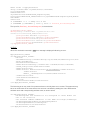
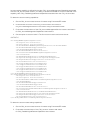
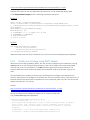
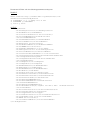
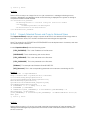
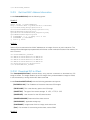
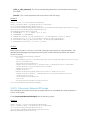
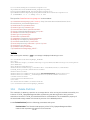
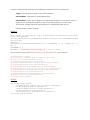
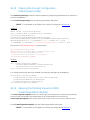
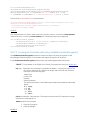
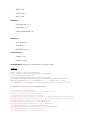
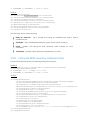
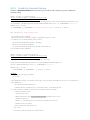
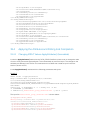
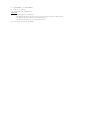
EXAMPLE:
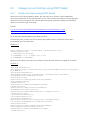
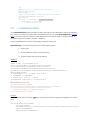
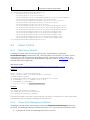
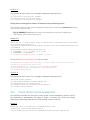
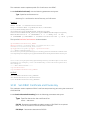
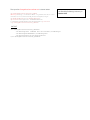
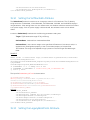
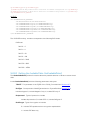
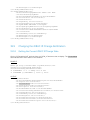
wsman invoke -a CreateTargetedConfigJob
http://schemas.dmtf.org/wbem/wscim/1/cimschema/
2/root/dcim/DCIM_FCService
?SystemCreationClassName=DCIM_ComputerSystem,